Create Professional App Store Screenshots in Seconds
Device frames, beautiful backgrounds, and text overlays. All processed in your browser. No signup, no server uploads, no friction.
Features
Everything you need to ship
better app store listings
A complete screenshot creation toolkit for indie developers and app marketers. No subscriptions, no paywalls. Completely free.
30+ Device Frames
iPhone 16 Pro, Pixel 9, Galaxy S24, iPad Pro, MacBook Air, and more. Every frame is an accurate SVG with precise screen bounds.
Screenshot Upload
Drag and drop or click to upload. Auto-fits to the device screen with manual resize controls.
Background Picker
Solid colors, 15 gradient presets, 15 geometric patterns, custom image upload, or tiled emoji and icon patterns.
Text Overlays
52 Google Fonts across Sans-serif, Serif, Display, and Monospace categories. Full control over size, weight, color, alignment, and rotation.
Shapes and Badges
Add rectangles, circles, triangles, stars, and arrows. Drop in pre-made text badges like BETA, SALE, PREMIUM, and more.
200k+ Icon Library
Search and place any icon from a library of over 200,000 icons. 16 popular icons are always available without an internet connection.
Split Frame
Spread one device frame across two adjacent slides for a seamless scroll effect in the App Store. Drag to adjust the split position.
Multi-Slide Export
Add up to 20 slides, each with its own screenshot, background, and text. Export all slides at once at exact App Store and Google Play dimensions.
Batch Export
Download all 8 export presets as a single ZIP in one click. App Store 6.7, 6.5, 5.5, iPad, Google Play, and Instagram sizes included.
Undo and Redo
30-step edit history. Press Cmd+Z or Ctrl+Z at any time. Never lose your work.
Privacy First
All processing happens in your browser. Your screenshots never reach our servers.
No Account Needed
Open the editor and start immediately. No email, no password, no friction.
Examples
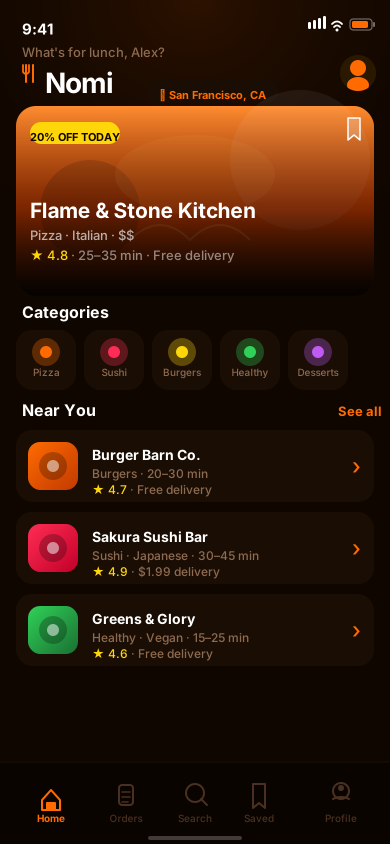
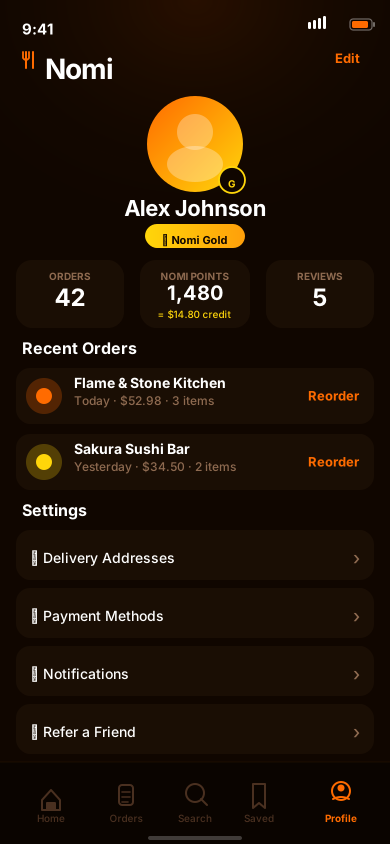
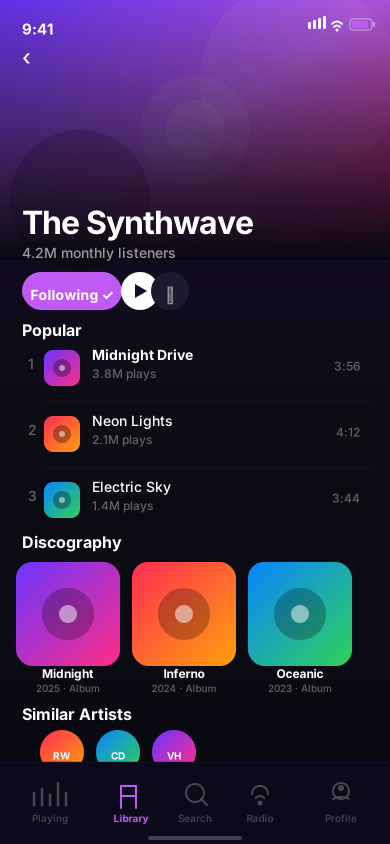
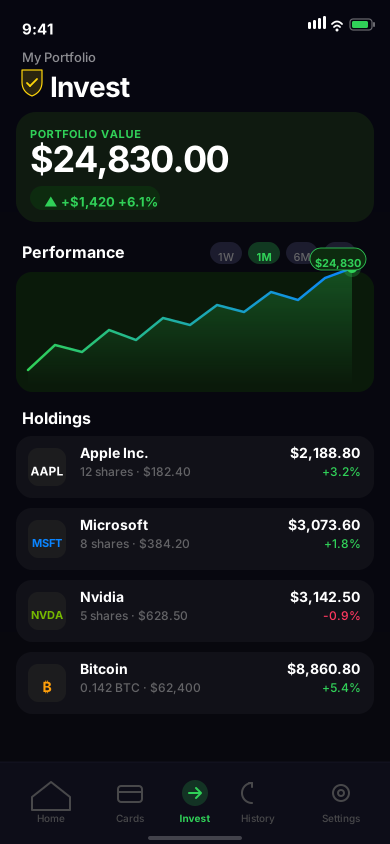
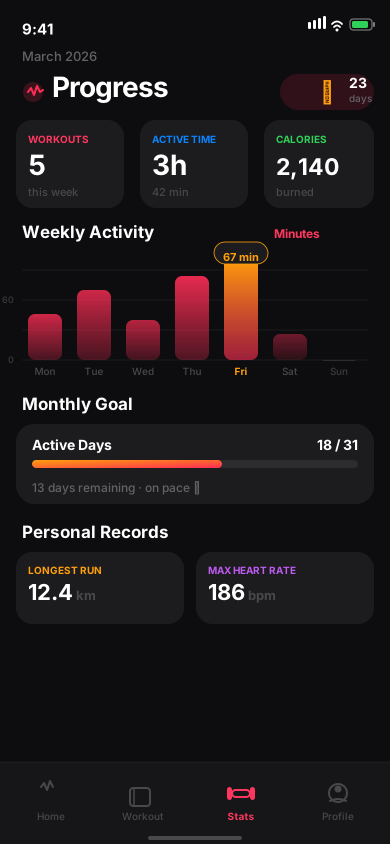
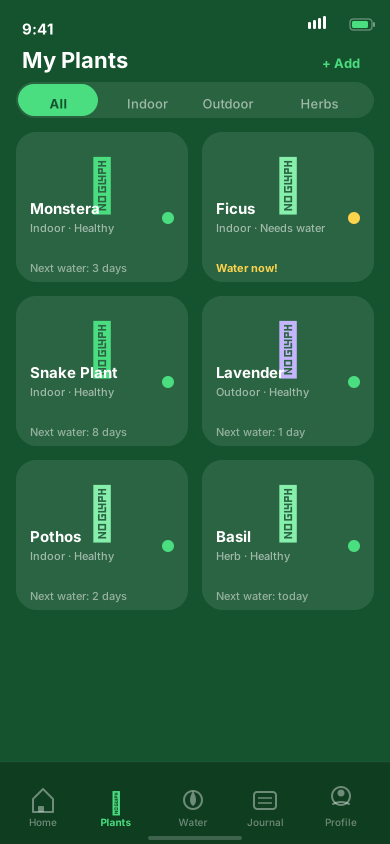
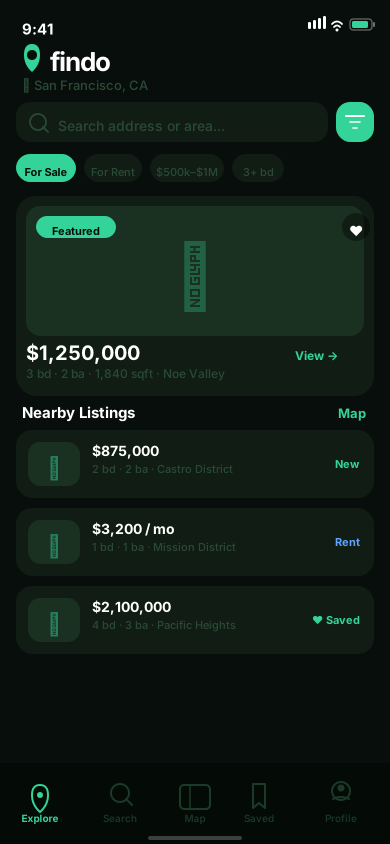
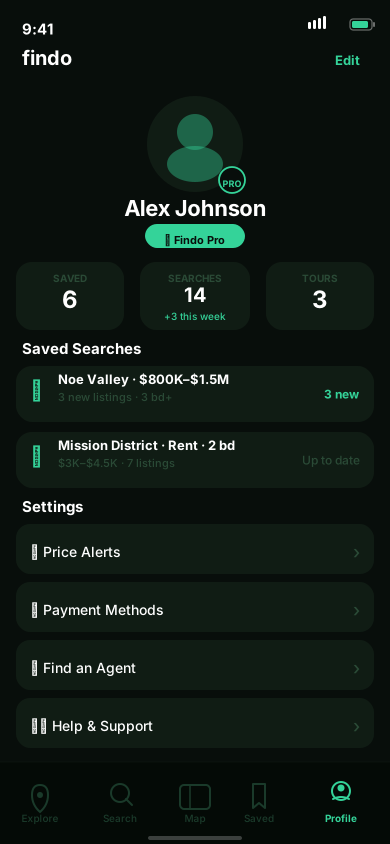
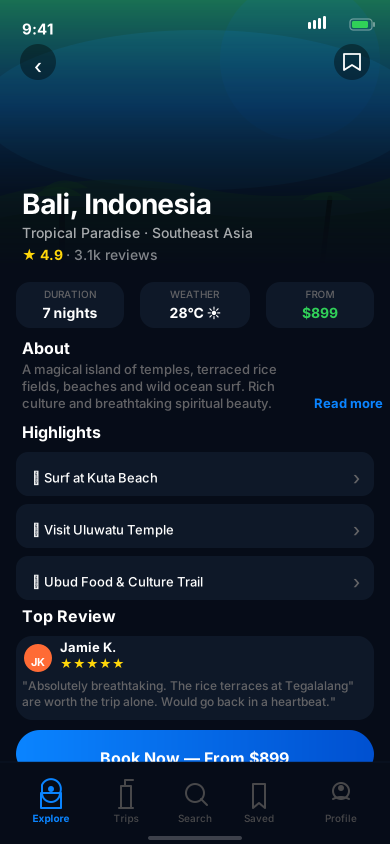
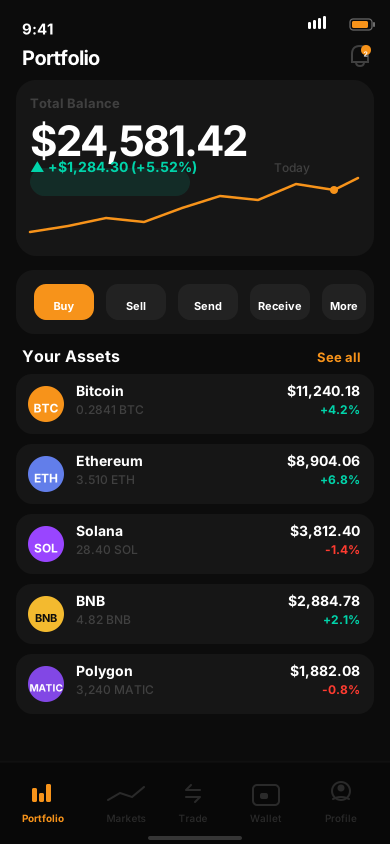
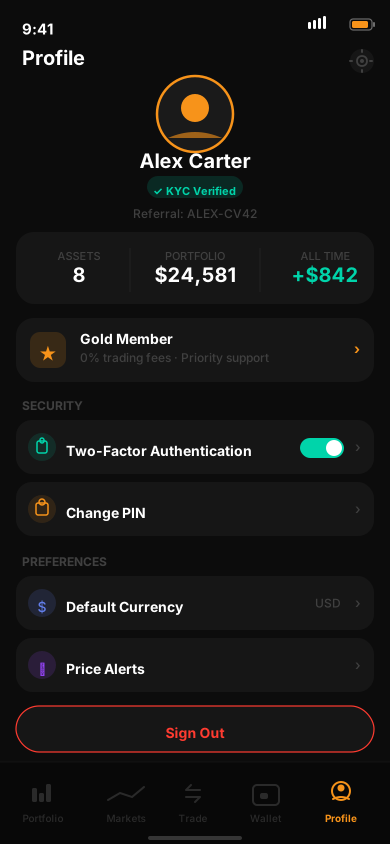
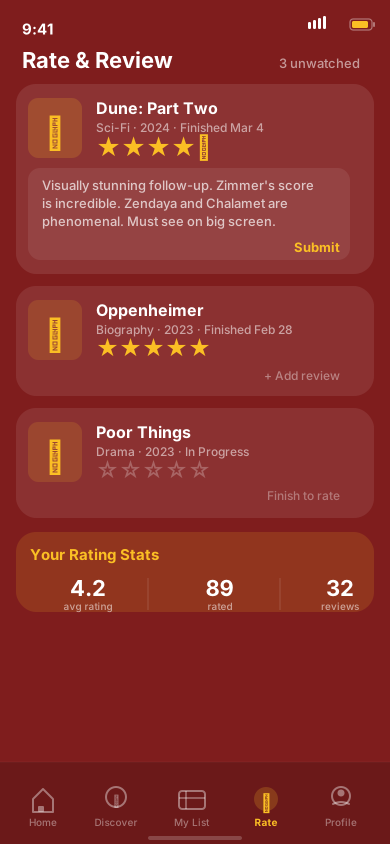
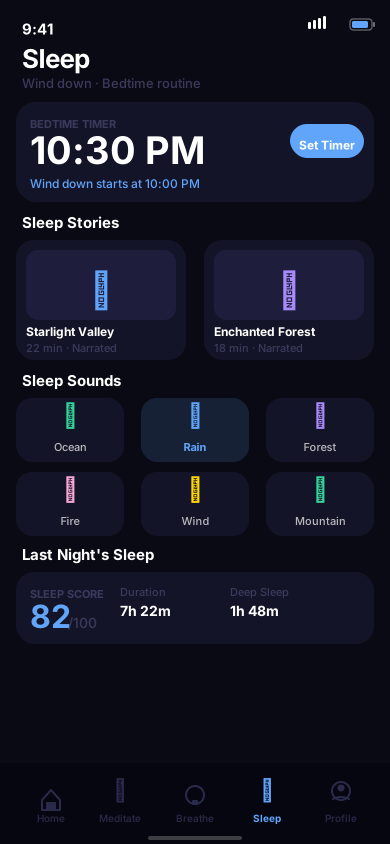
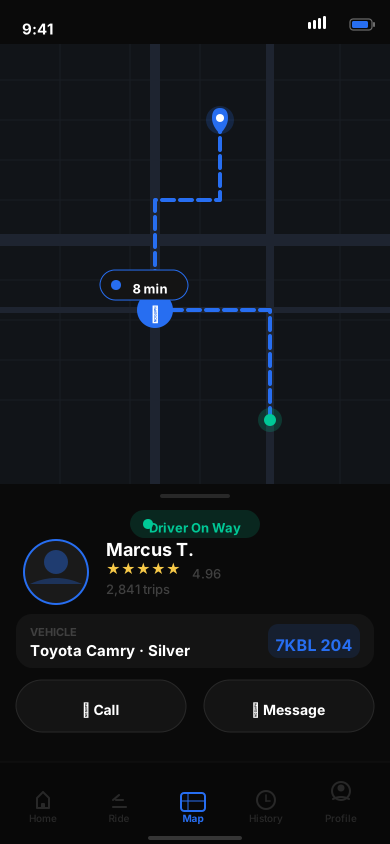
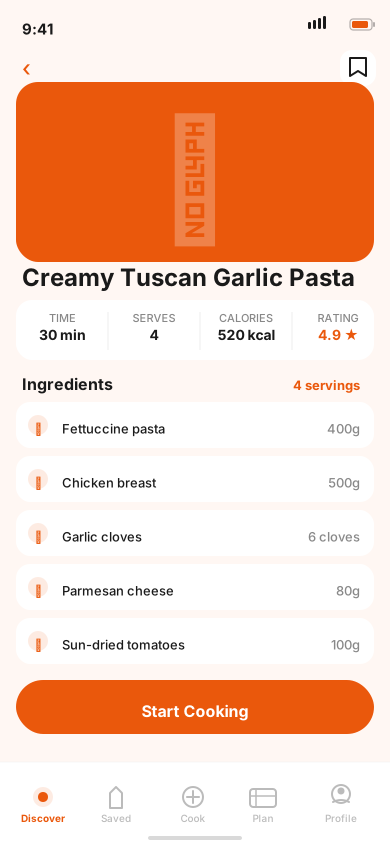
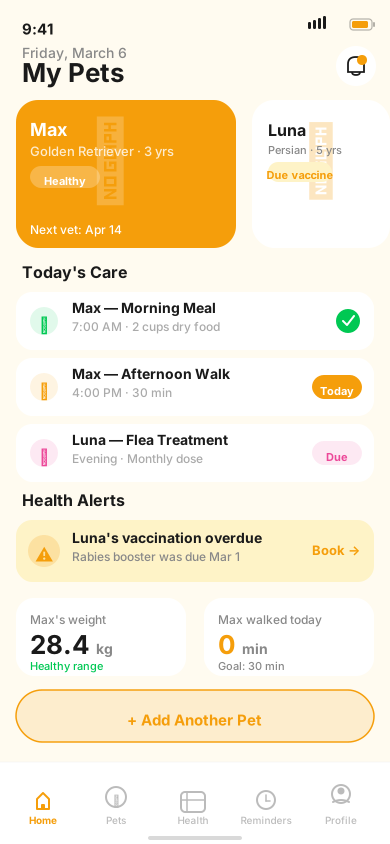
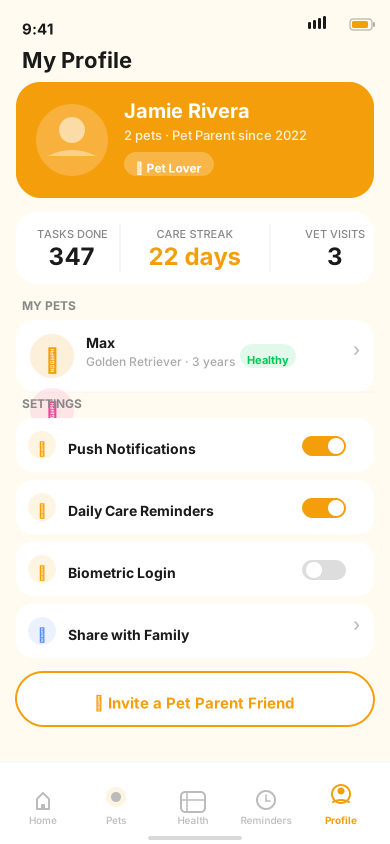
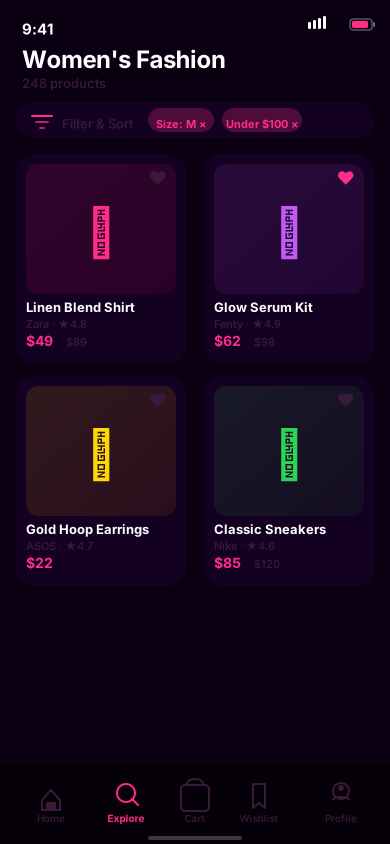
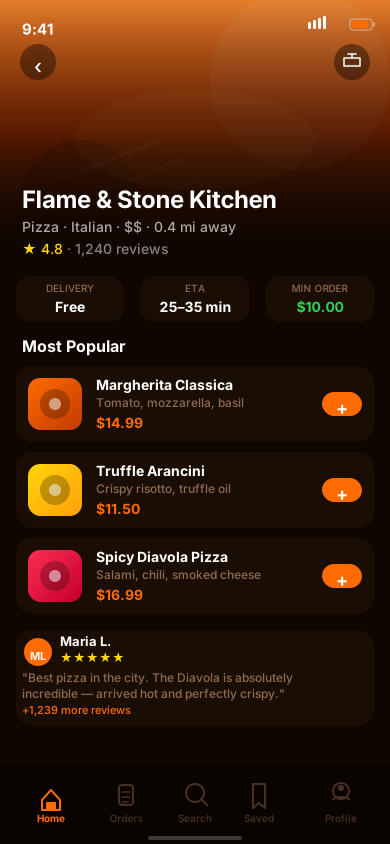
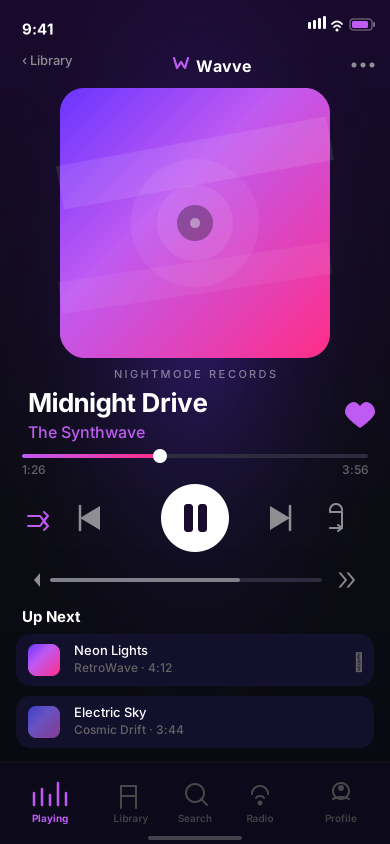
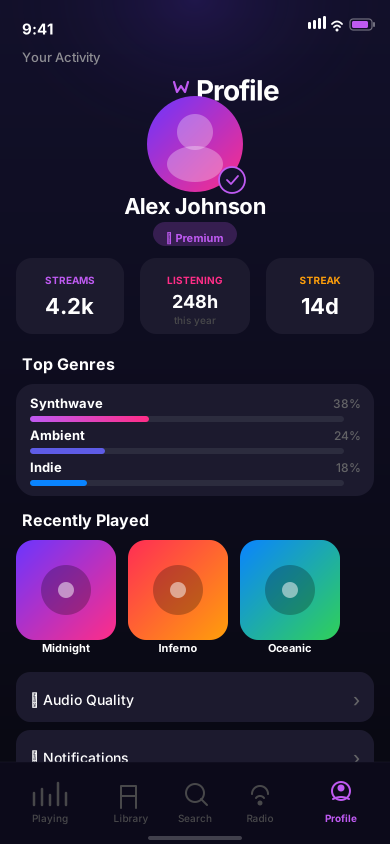
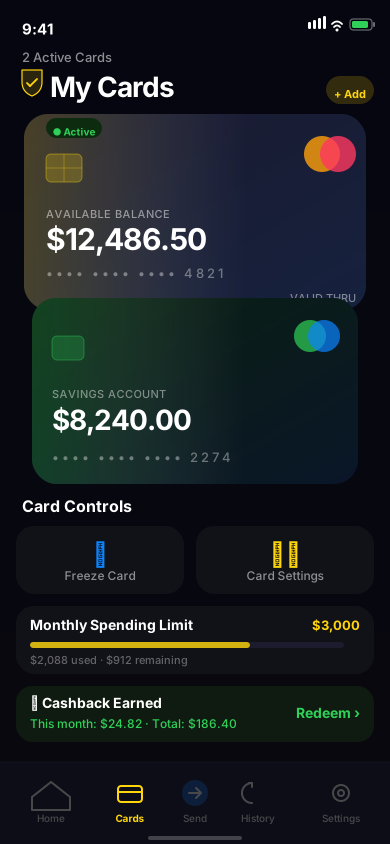
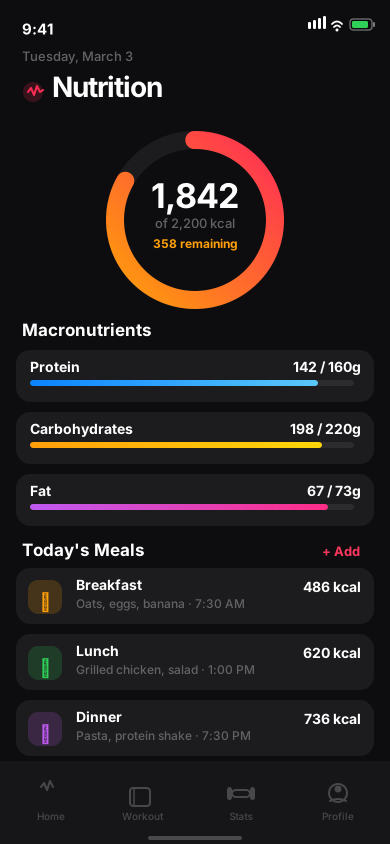
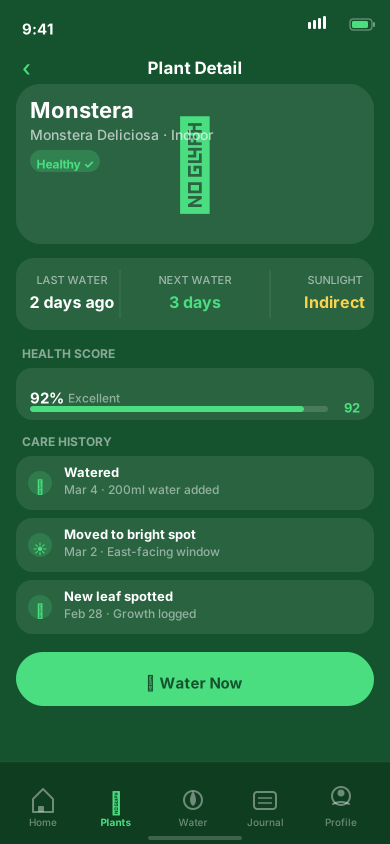
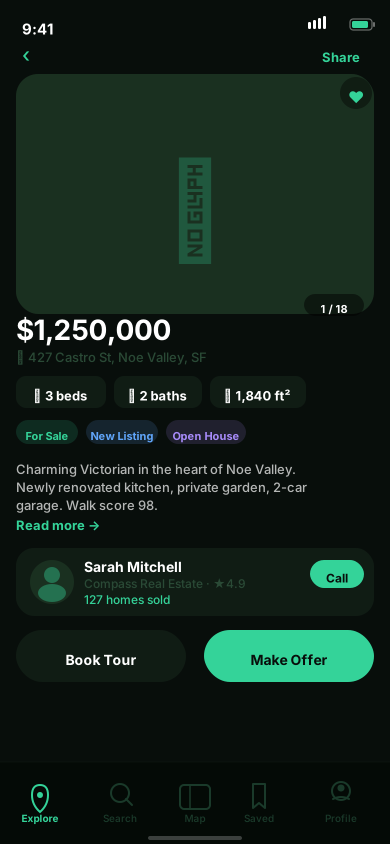
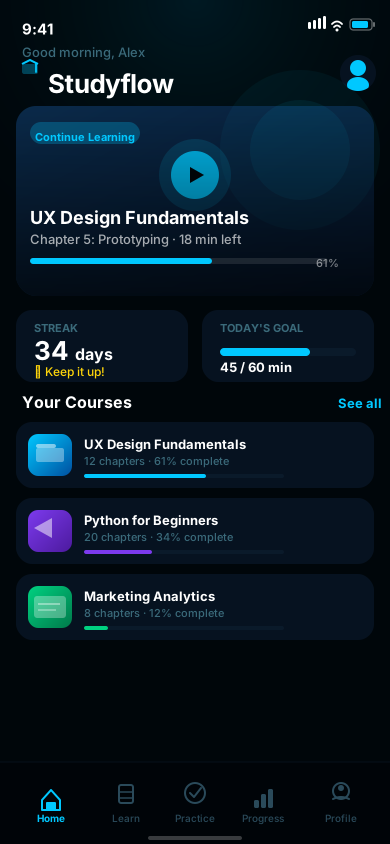
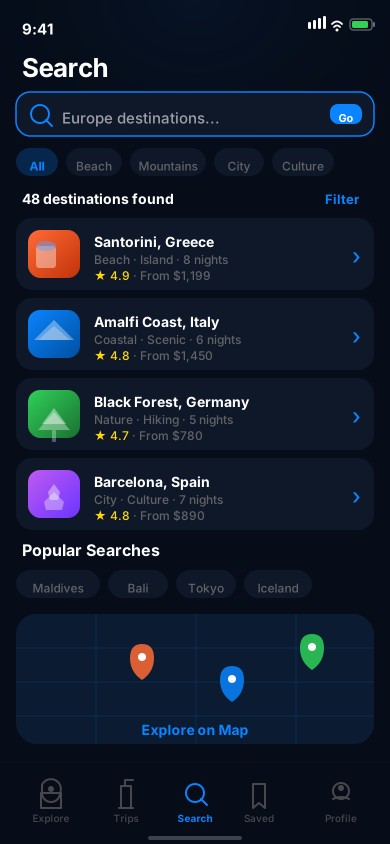
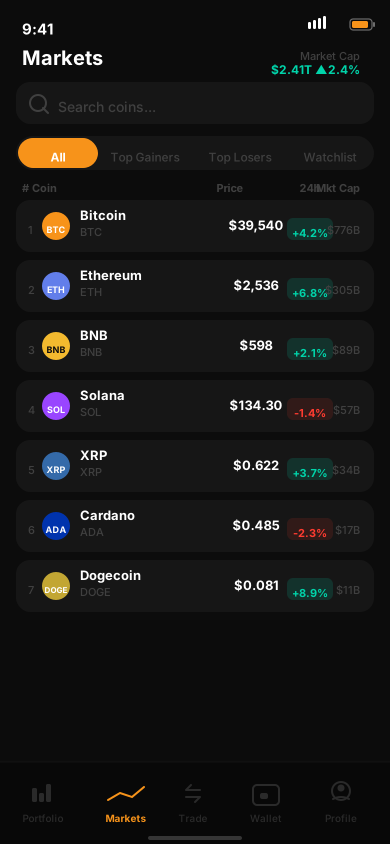
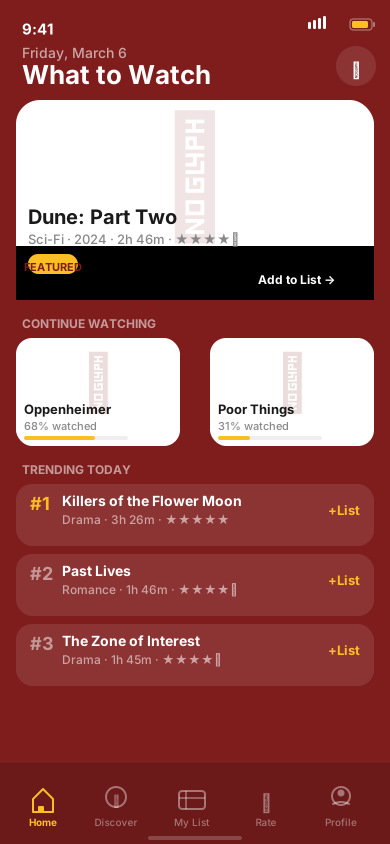
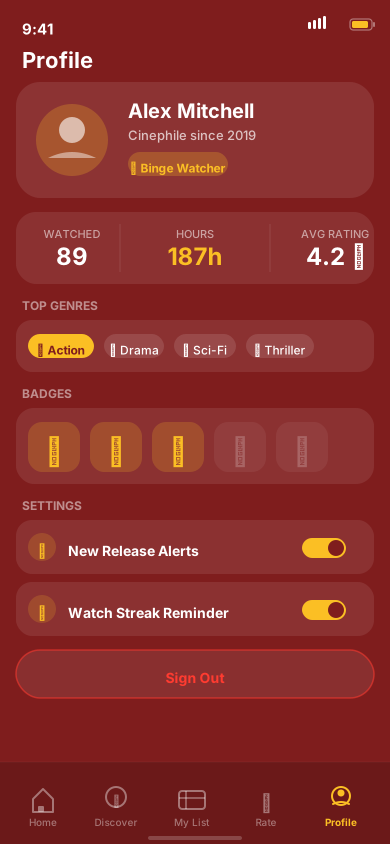
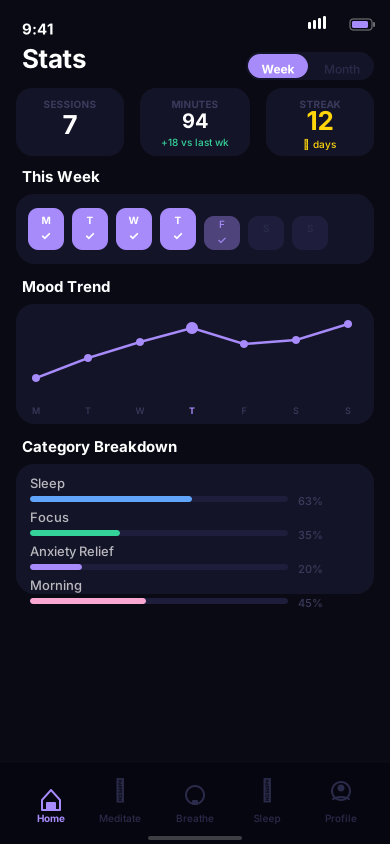
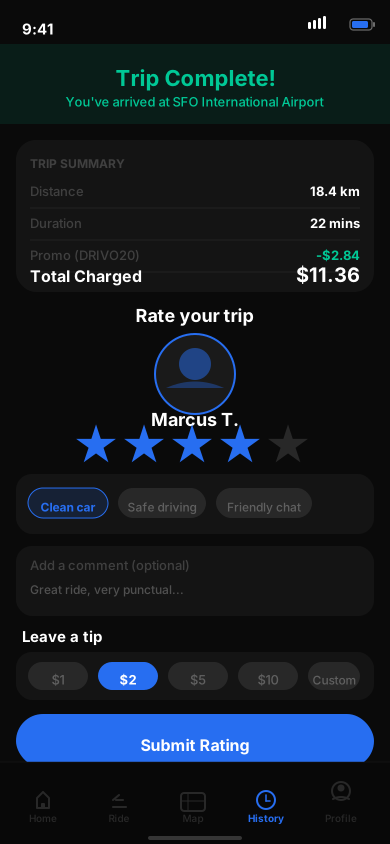
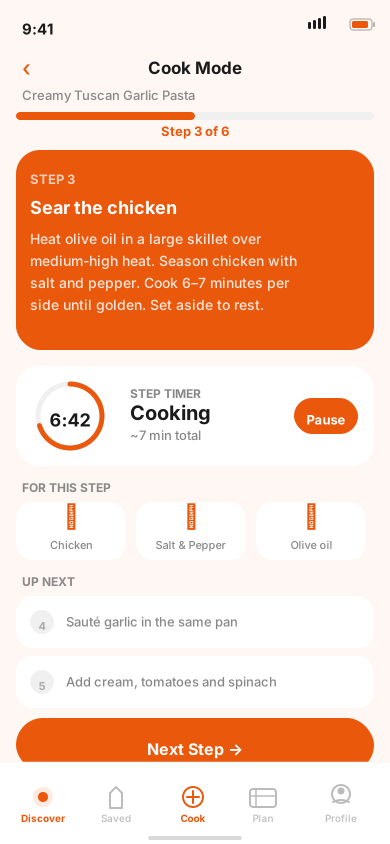
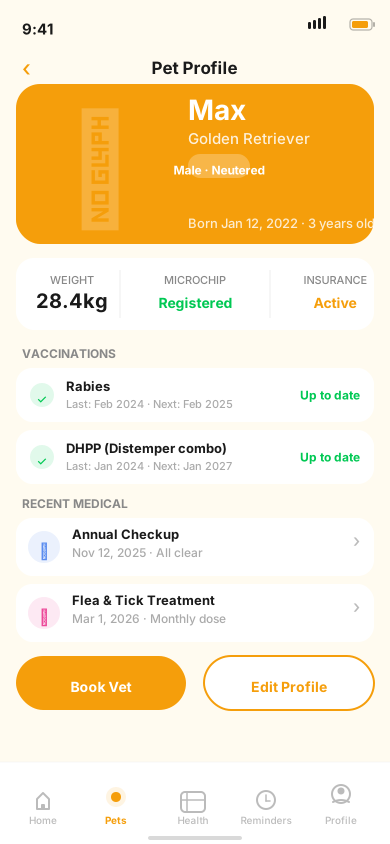
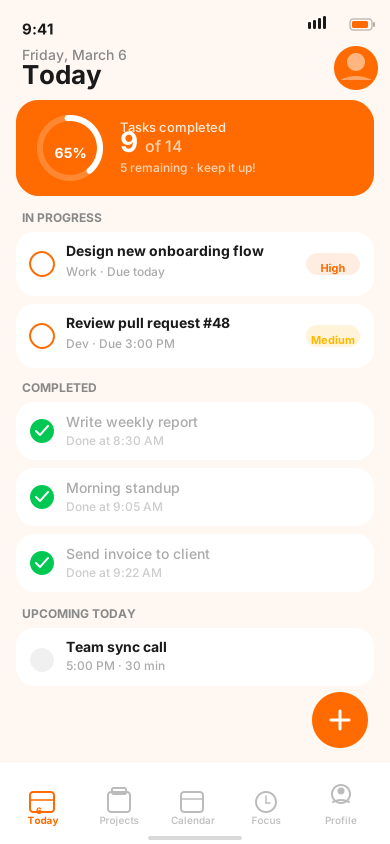
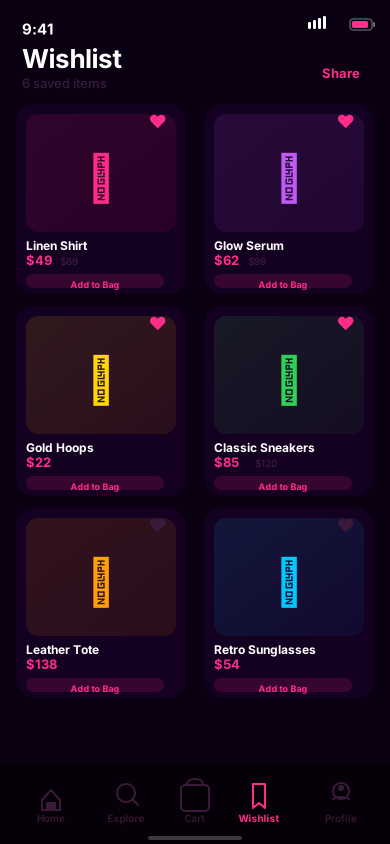
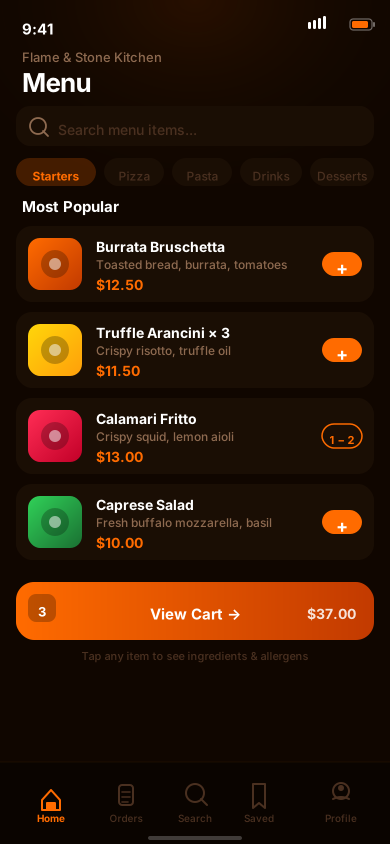
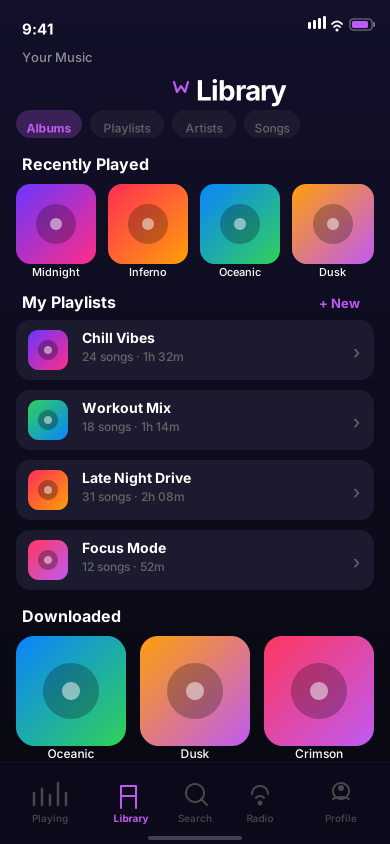
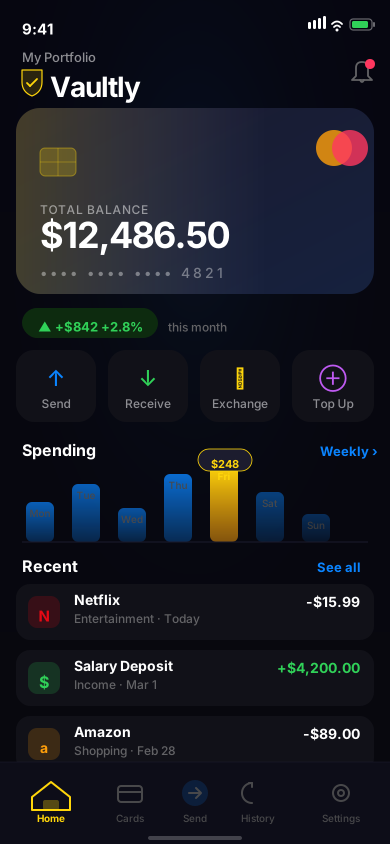
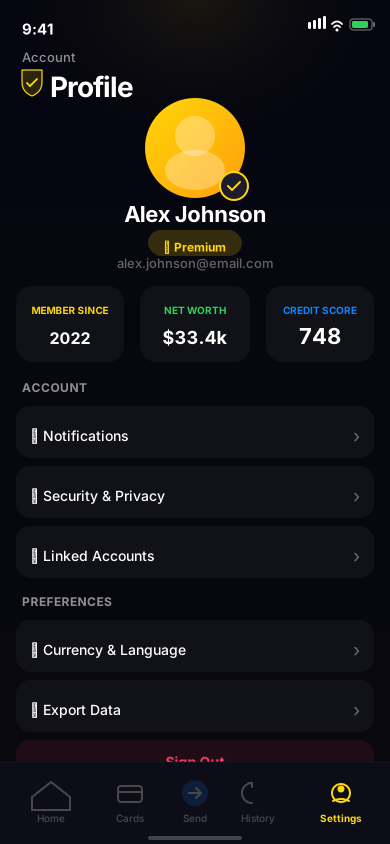
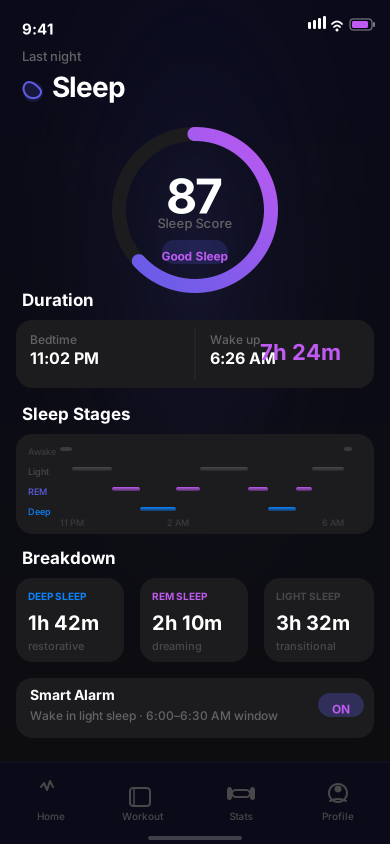
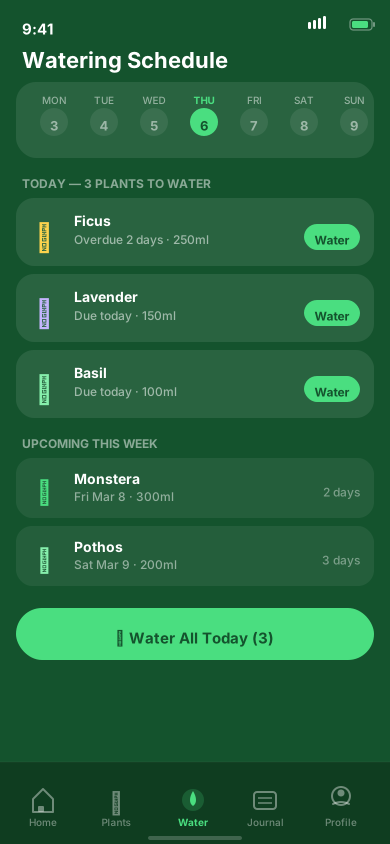
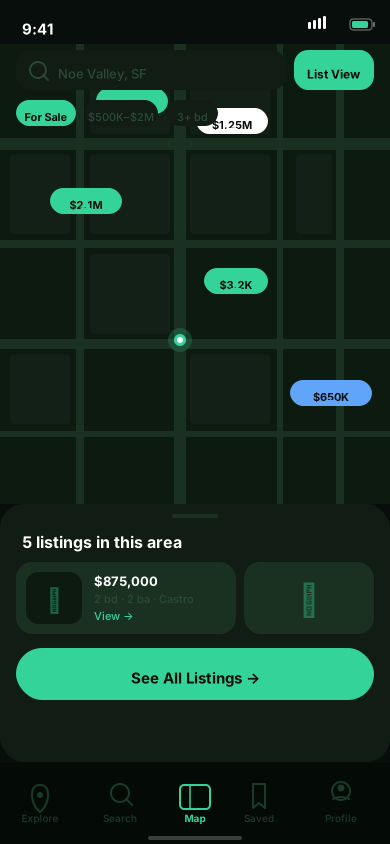
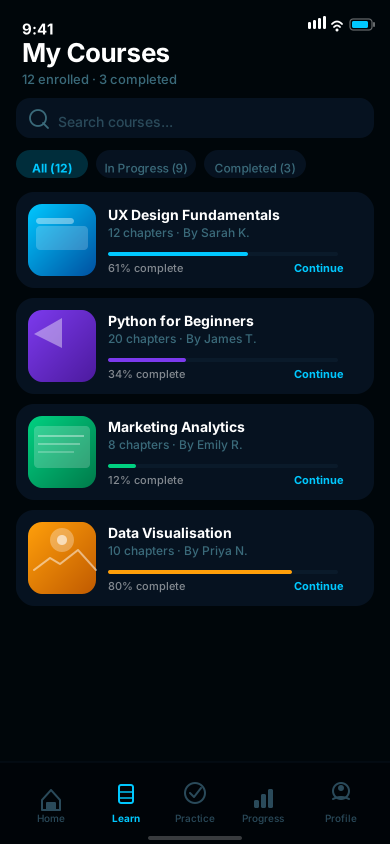
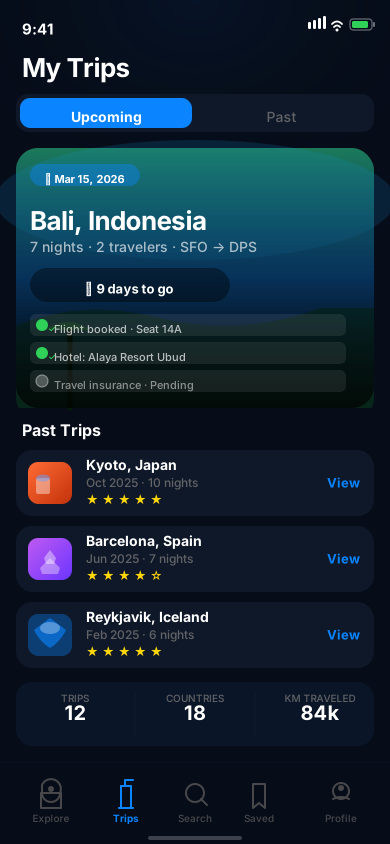
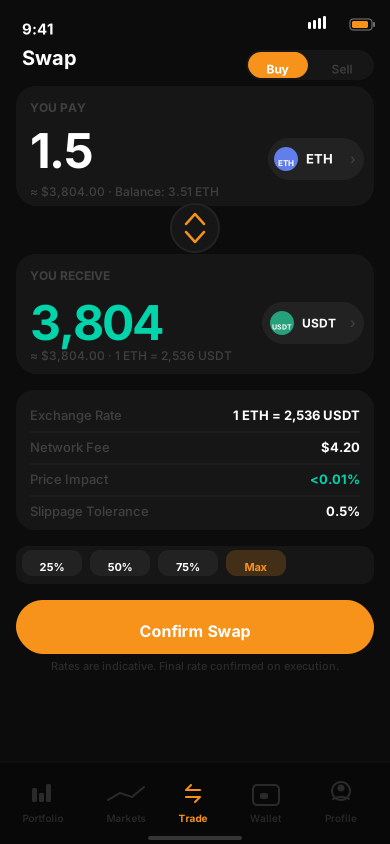
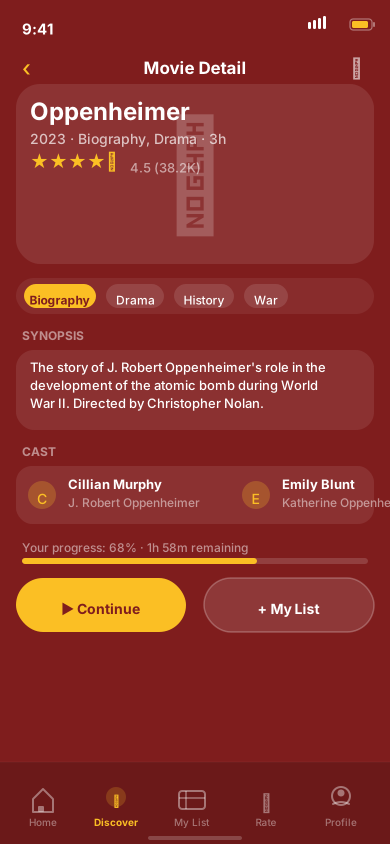
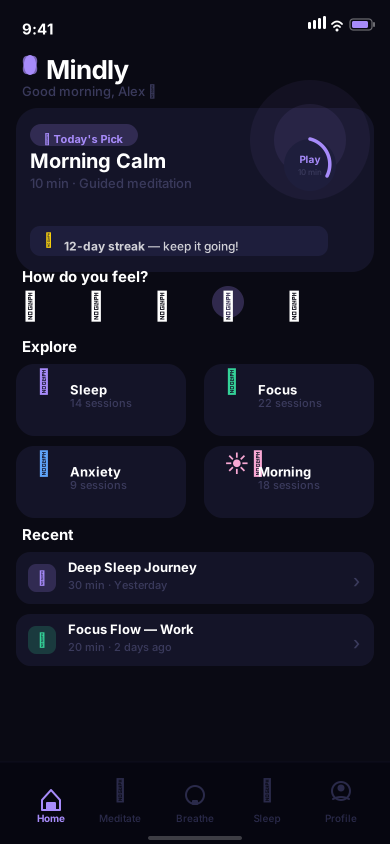
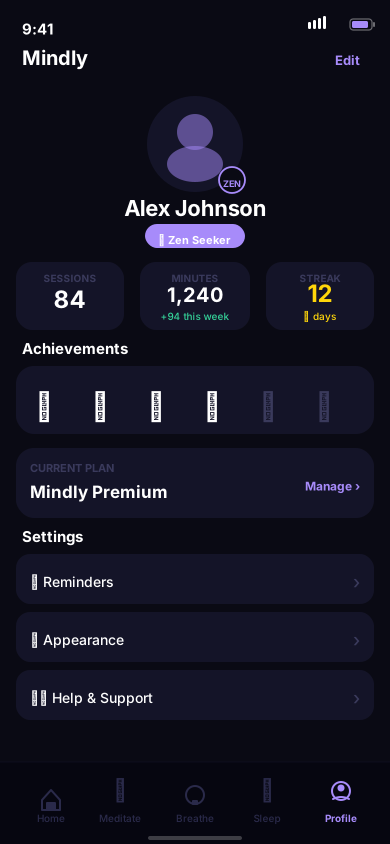
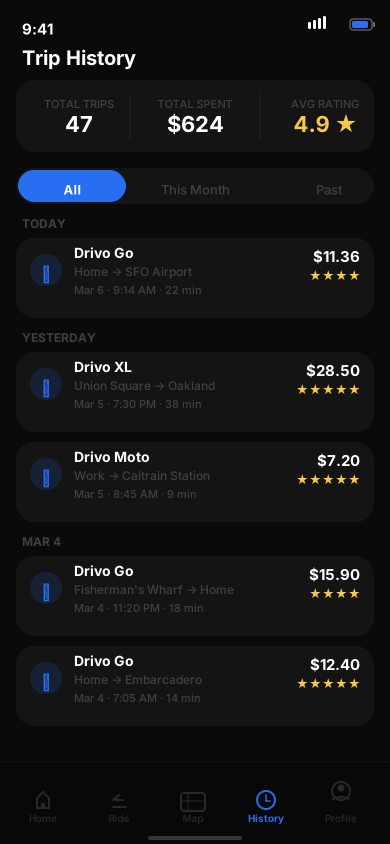
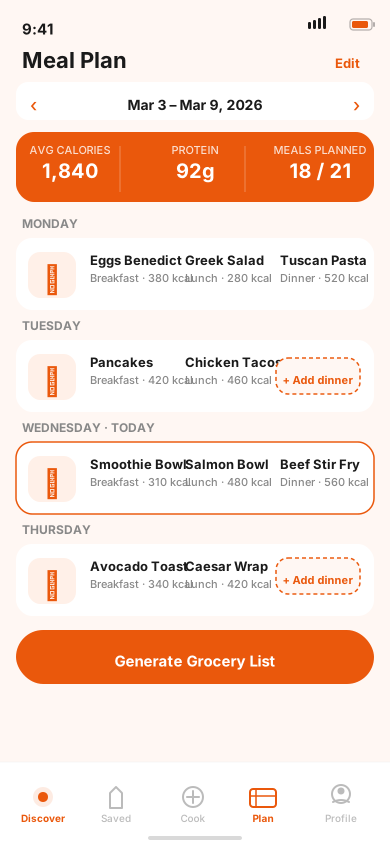
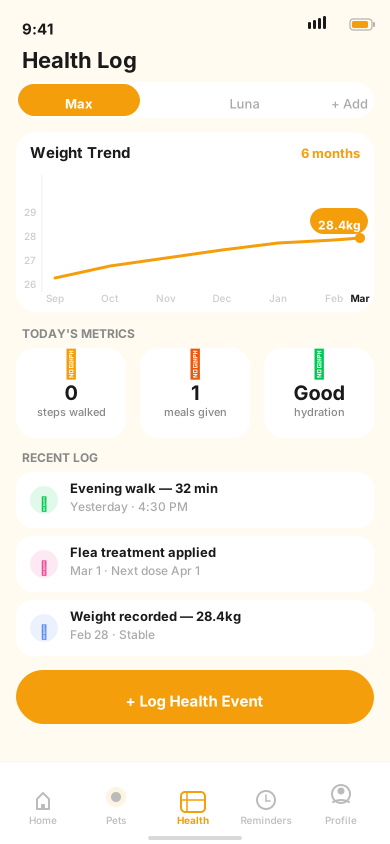
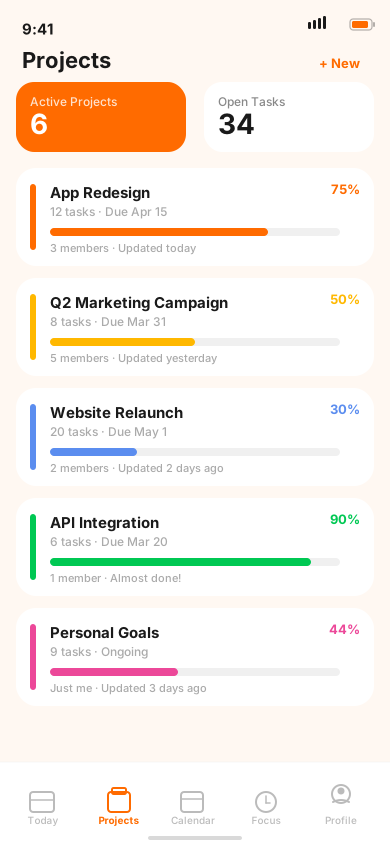
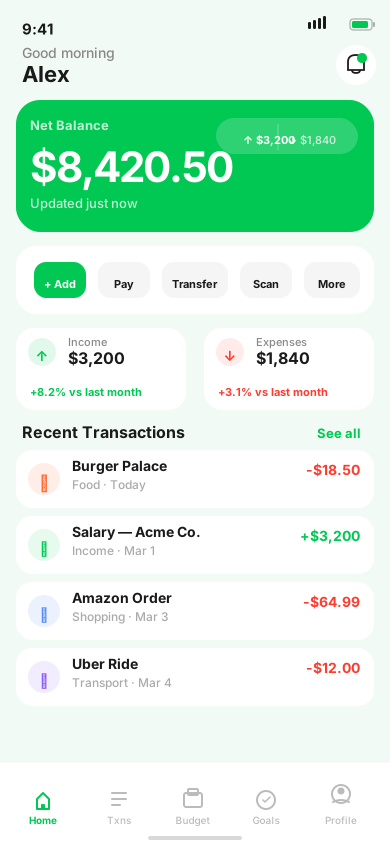
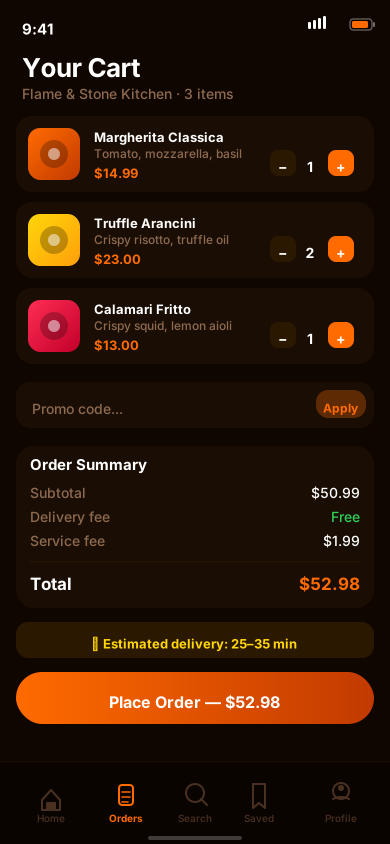
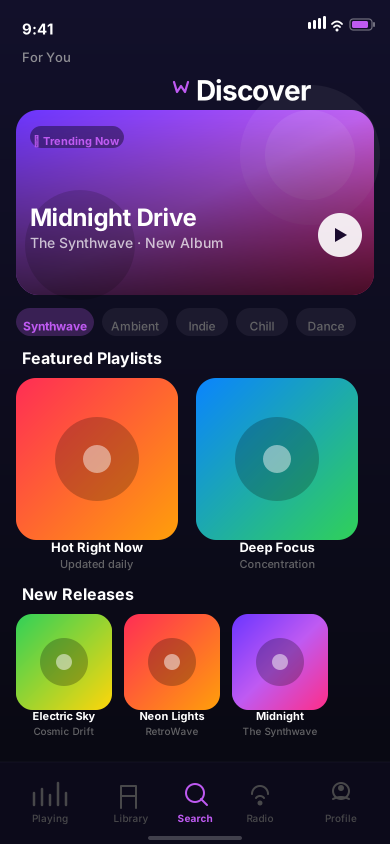
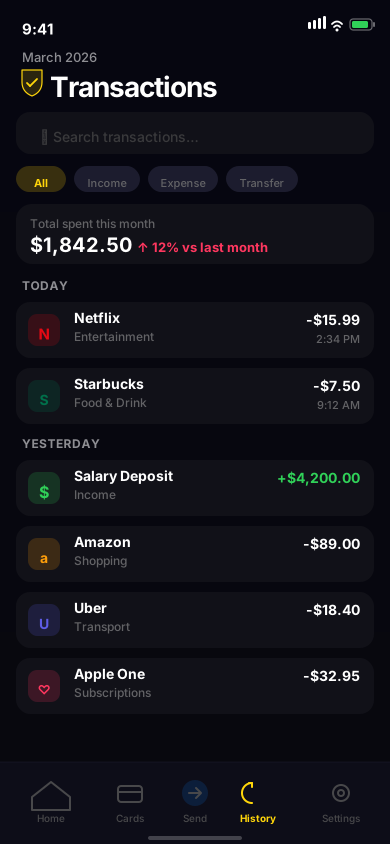
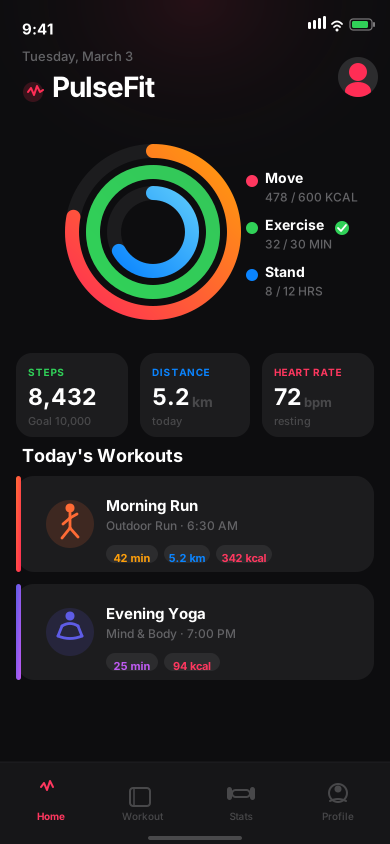
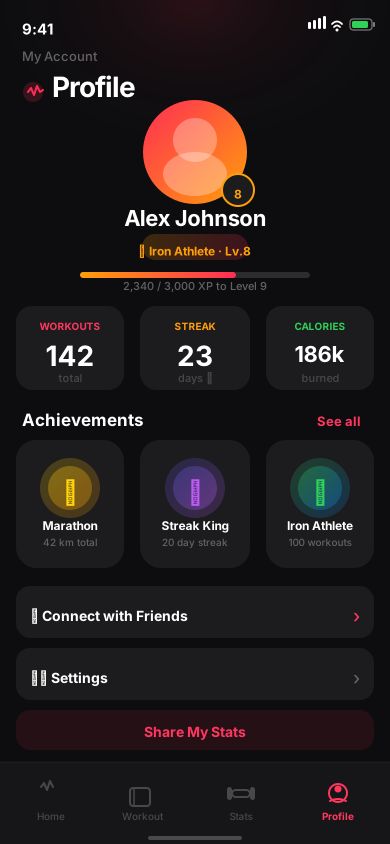
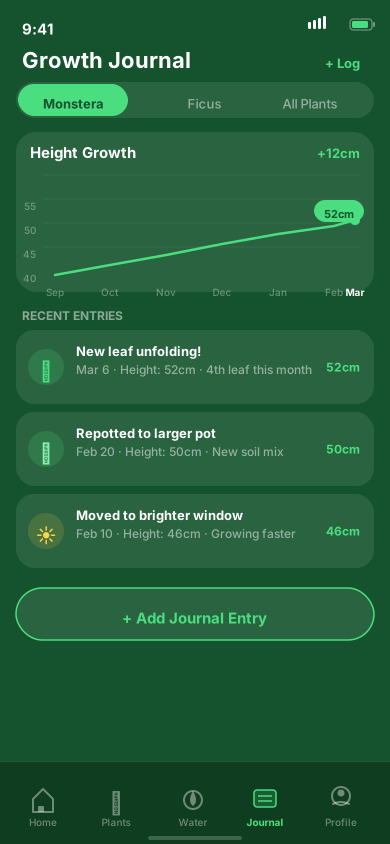
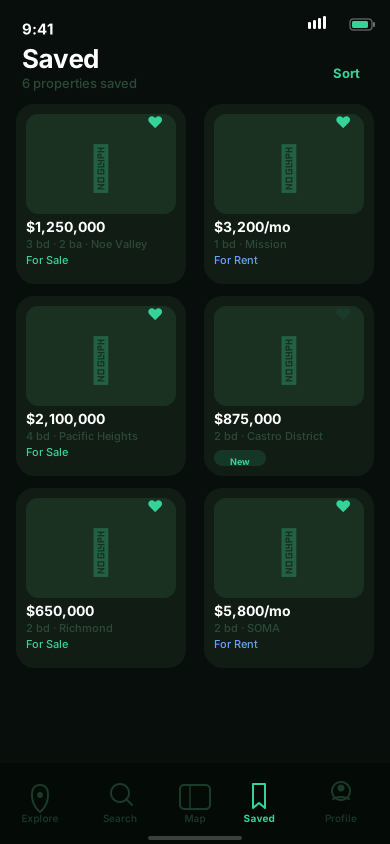
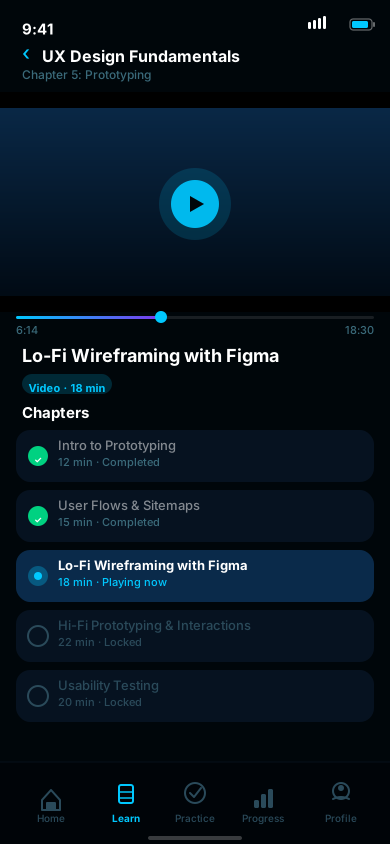
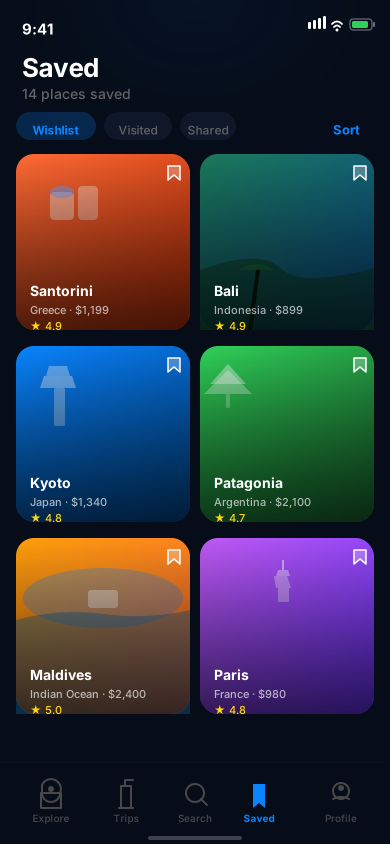
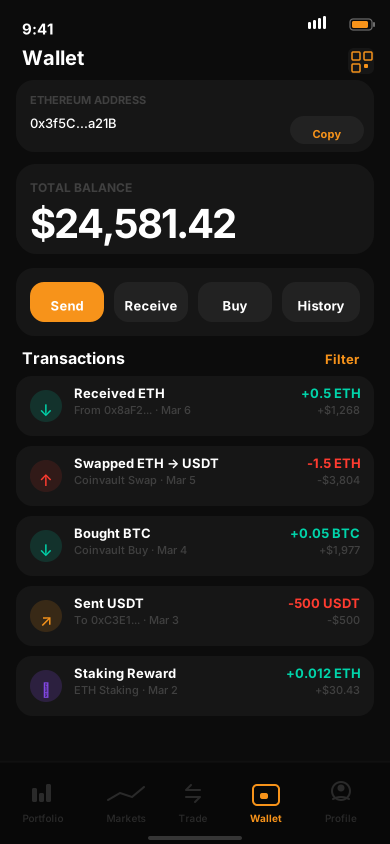
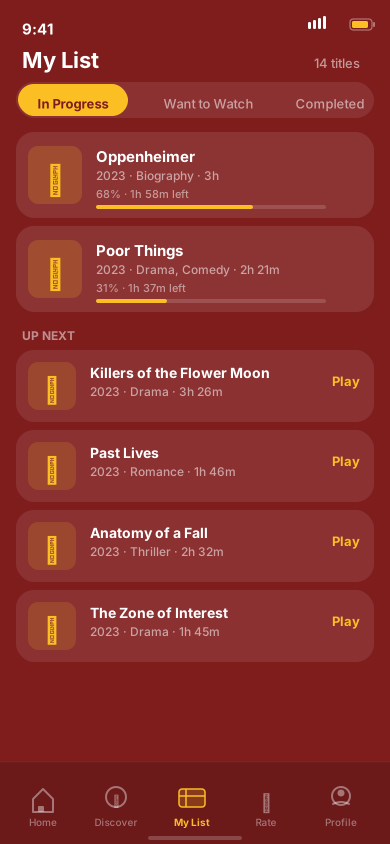
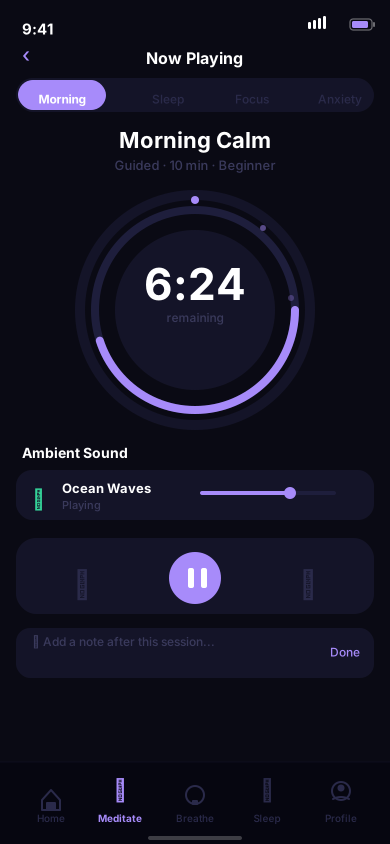
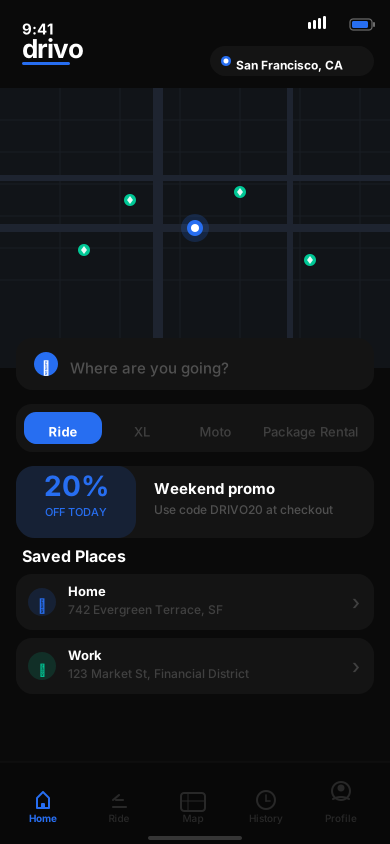
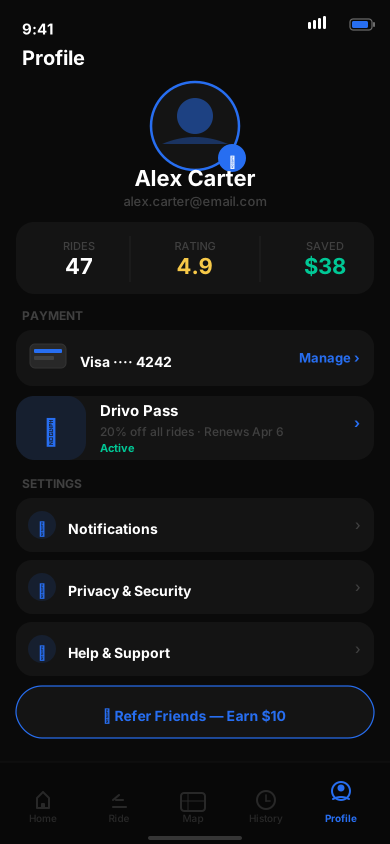
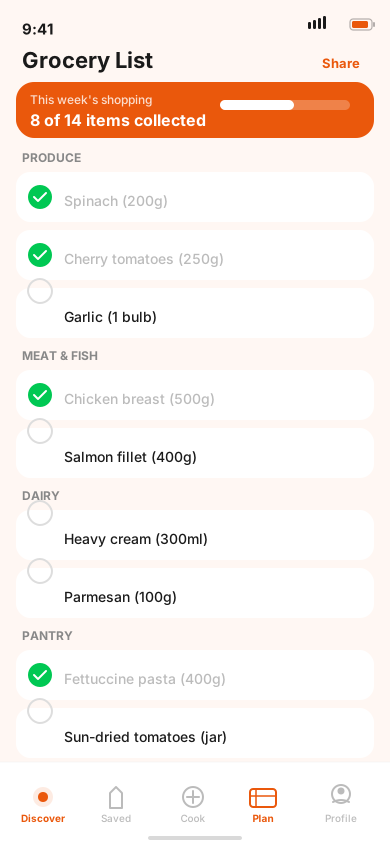
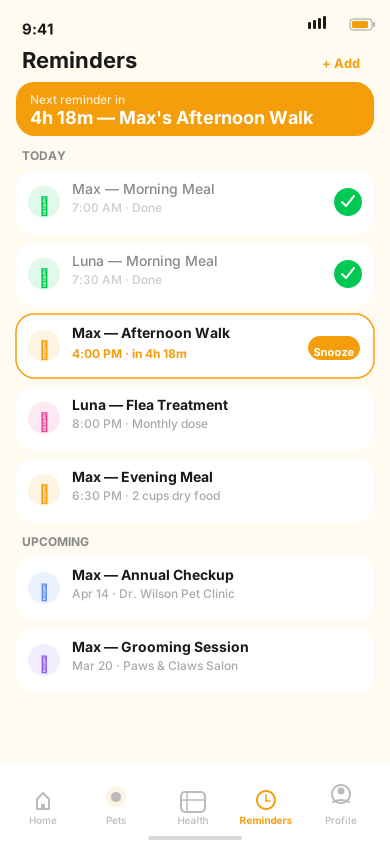
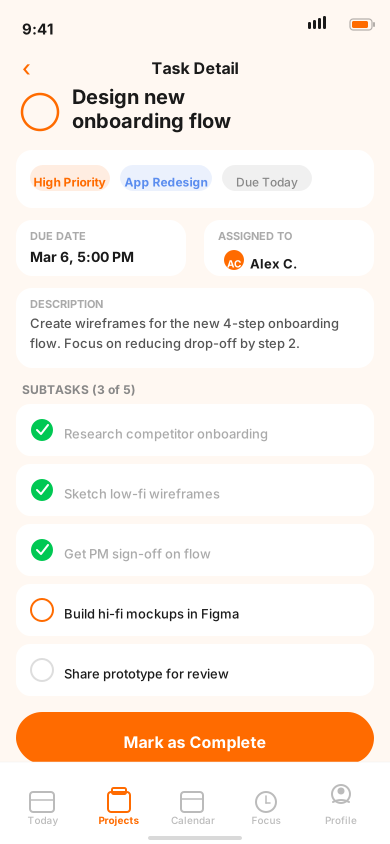
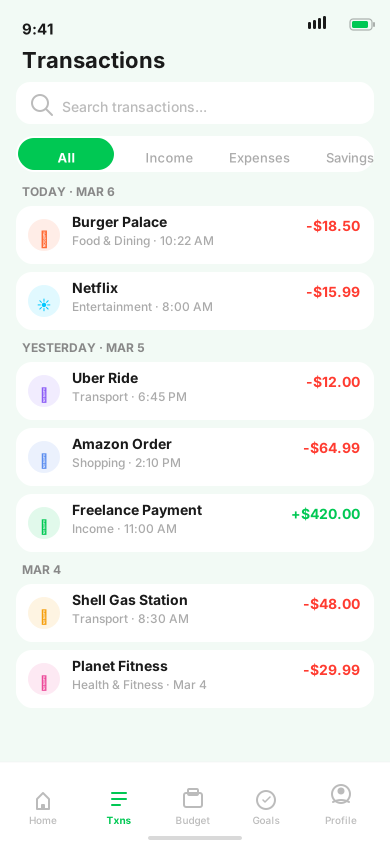
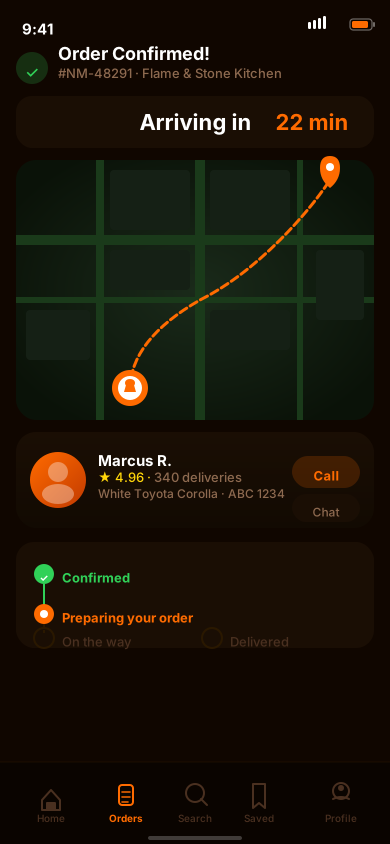
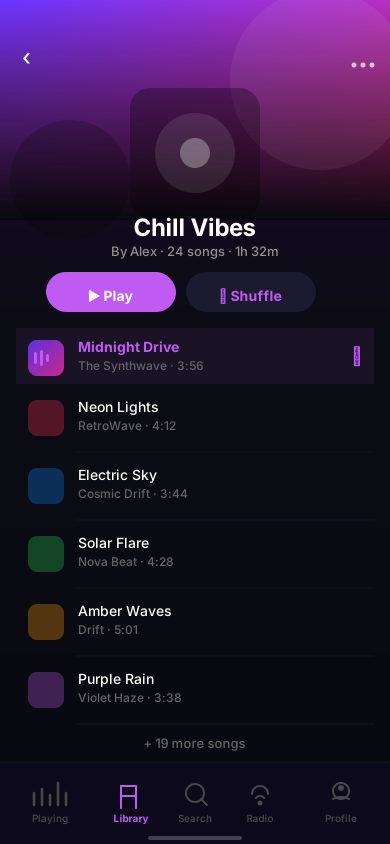
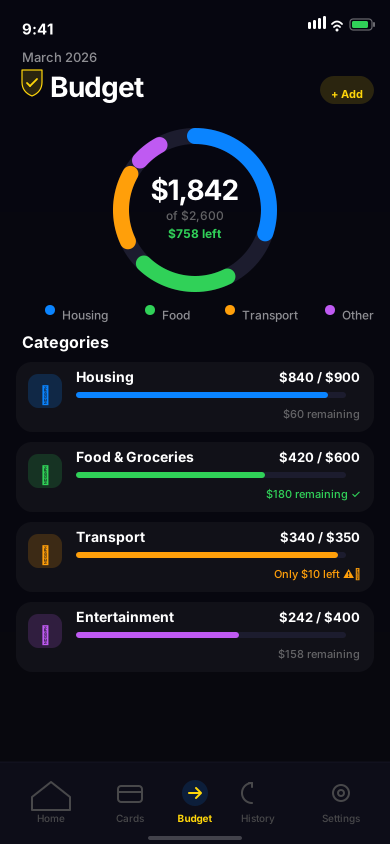
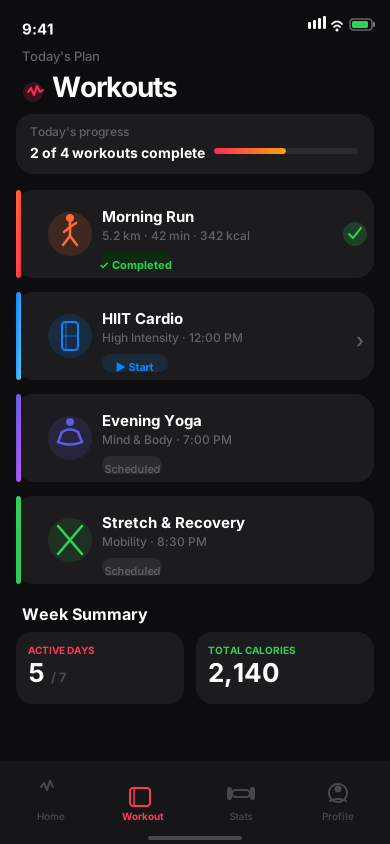
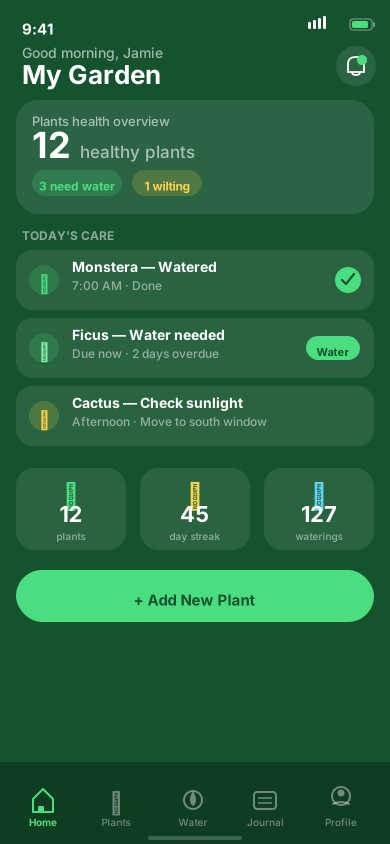
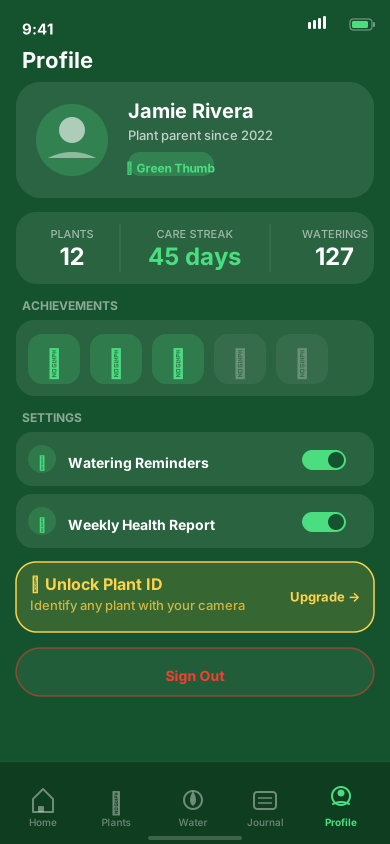
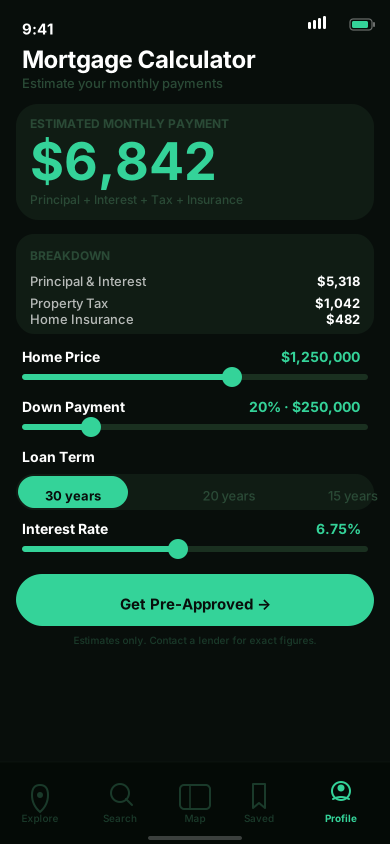
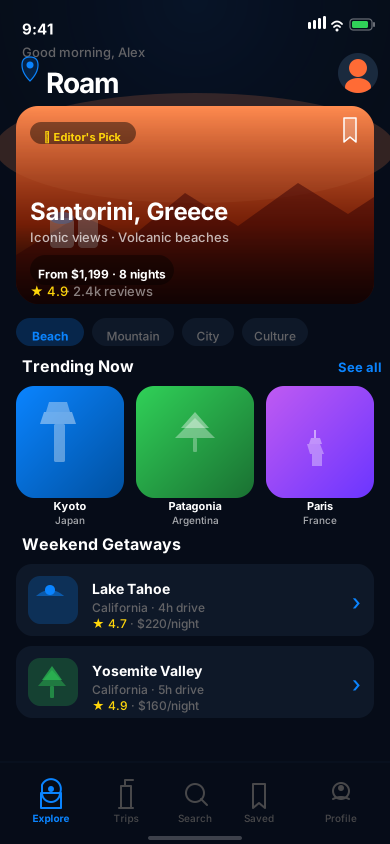
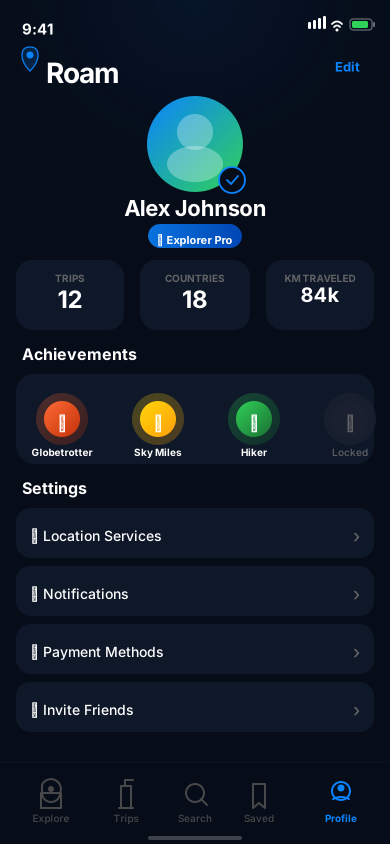
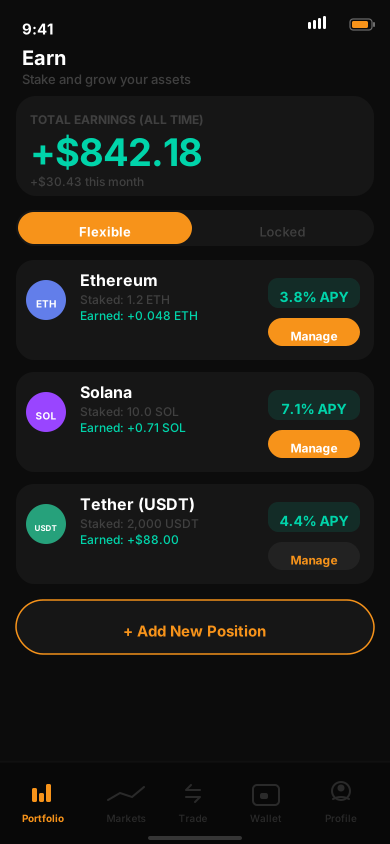
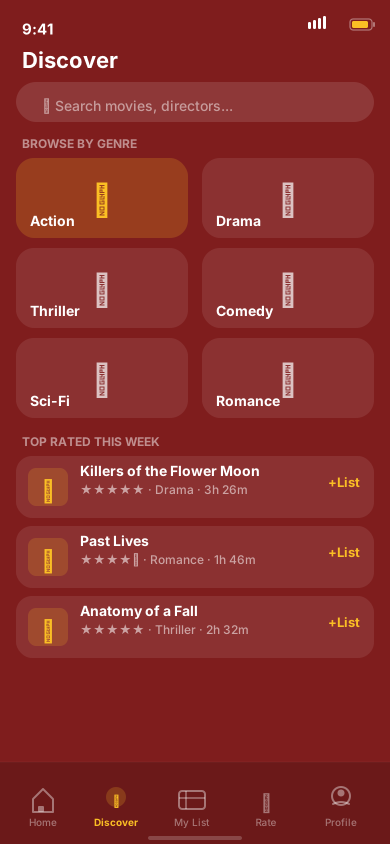
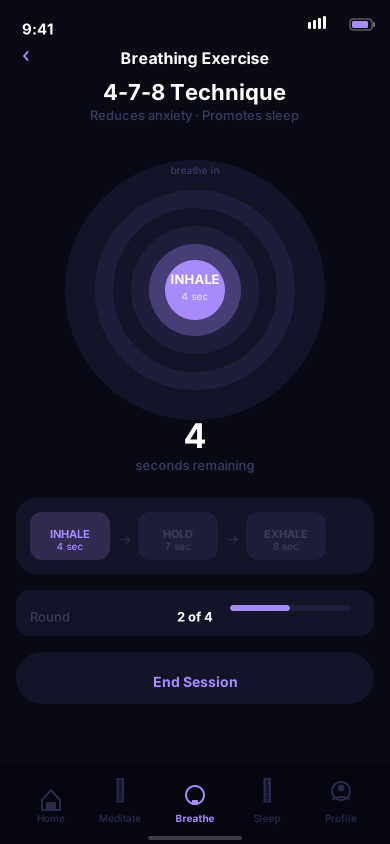
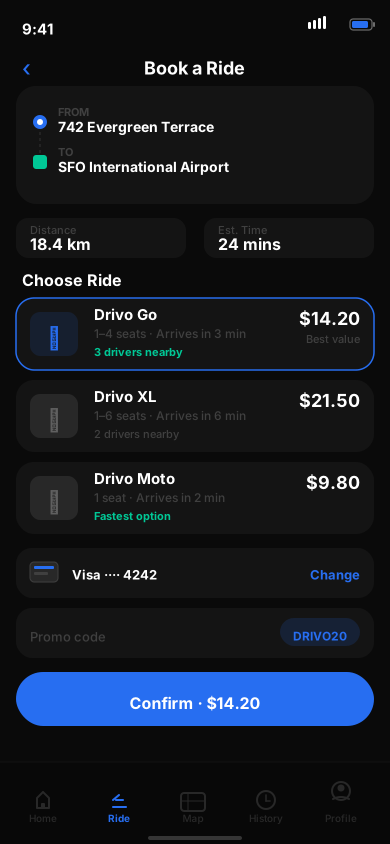
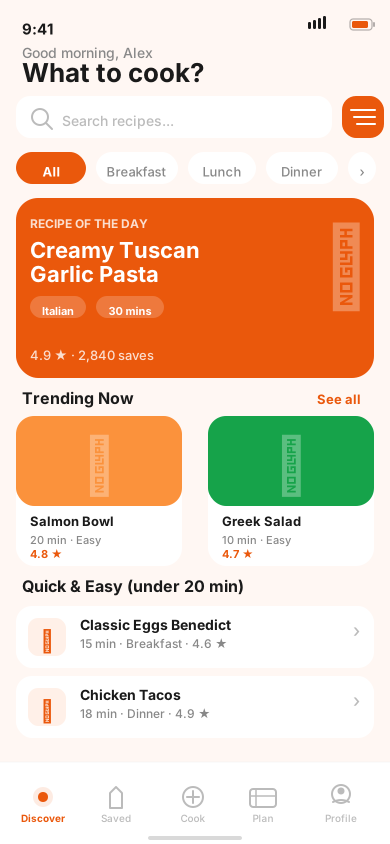
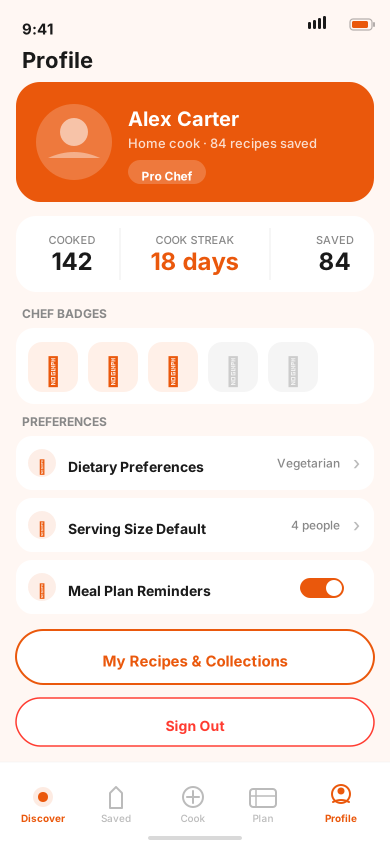
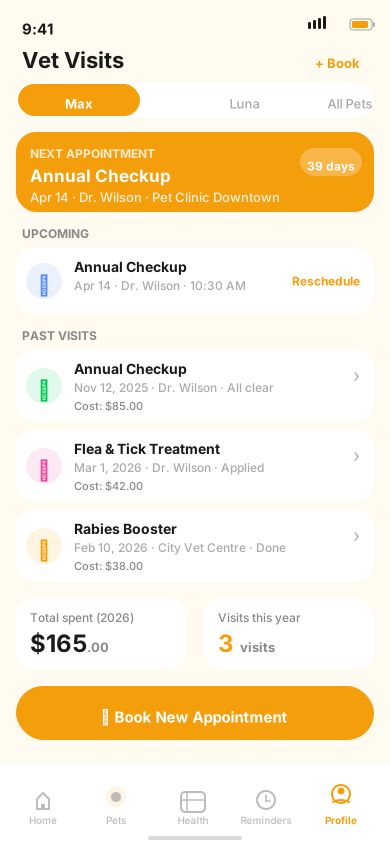
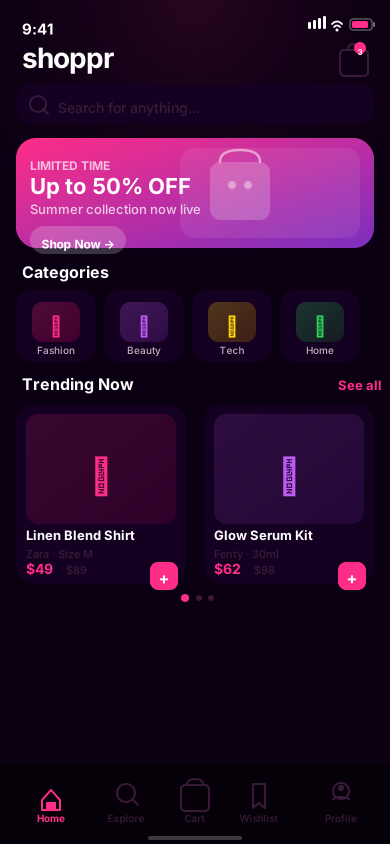
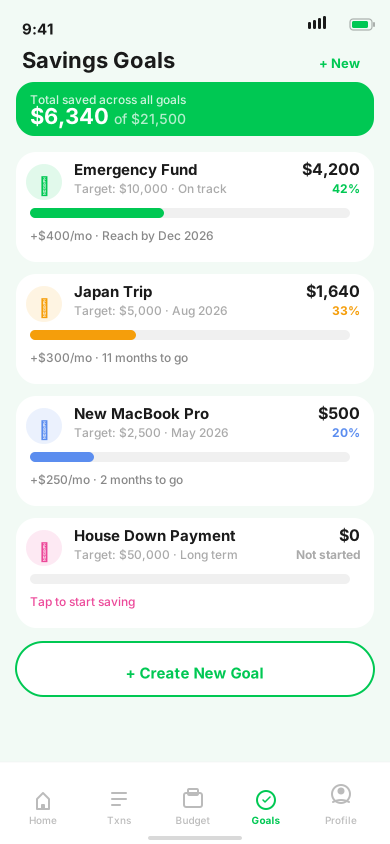
Screenshots made with AppScreenshotsKit
Fitness, finance, music, travel — every category looks stunning. Drop in your app and ship in minutes.


How It Works
Your first screenshot in 3 steps
From upload to export in under a minute.
Upload Your App Screenshot
Drag and drop your app screenshot into the canvas. It auto-fits to the device screen bounds. Supports PNG, JPG, and WebP.
Customize the Design
Pick a device frame, choose a background, and add a headline. Use a ready-made template to get started in seconds.
Export at the Perfect Size
One click to export. Choose App Store 6.7 inch, Google Play Phone, or batch-export all sizes as a ZIP file.
Testimonials
Loved by app developers
around the world
From indie founders shipping their first app to ASO specialists managing dozens of listings.
Got my App Store screenshots done in 20 minutes. Device frames are pixel-perfect and the export dimensions matched App Store Connect exactly.
Sarah Chen
iOS Developer
I was paying for a subscription screenshot tool. Switched to AppScreenshotsKit and never looked back. Everything I need, completely free.
Marcus Webb
Indie Game Developer
The split frame feature is clever. Our flagship app's store listing looks so much more polished since we started using it.
Priya Nair
Product Manager
Handles iOS and Android presets in one place. Batch export to ZIP saves me 30 minutes every single release cycle.
James O'Brien
Flutter Developer
52 fonts is insane for a free tool. I matched our brand typography exactly without having to compromise.
Yuki Tanaka
App Marketer
Privacy-first means I can upload confidential beta screenshots without worry. That actually matters to our team.
Daniel Ruiz
Solo Founder
Got my App Store screenshots done in 20 minutes. Device frames are pixel-perfect and the export dimensions matched App Store Connect exactly.
Sarah Chen
iOS Developer
I was paying for a subscription screenshot tool. Switched to AppScreenshotsKit and never looked back. Everything I need, completely free.
Marcus Webb
Indie Game Developer
The split frame feature is clever. Our flagship app's store listing looks so much more polished since we started using it.
Priya Nair
Product Manager
Handles iOS and Android presets in one place. Batch export to ZIP saves me 30 minutes every single release cycle.
James O'Brien
Flutter Developer
52 fonts is insane for a free tool. I matched our brand typography exactly without having to compromise.
Yuki Tanaka
App Marketer
Privacy-first means I can upload confidential beta screenshots without worry. That actually matters to our team.
Daniel Ruiz
Solo Founder
The gradient presets are actually tasteful. Most tools have garish defaults. These look genuinely professional out of the box.
Emma Fitzgerald
UX Designer
Google Play screenshots used to be an afterthought. The Pixel and Galaxy frames make them look just as good as our iOS shots.
Aiden Park
Android Developer
Used it across 8 apps for 3 different clients. Consistent, professional results every time. It is my go-to tool now.
Lena Schmidt
ASO Specialist
Did not need an account to start. That alone puts it ahead of half the competition. Open and go.
Tom Nguyen
React Native Developer
Our team used to argue about screenshot layouts every sprint. Templates solved that problem overnight.
Fatima Al-Rashid
Startup CTO
The 200k icon library inside the editor is wild. Added small icon badges to each slide in under two minutes.
Carlos Mendoza
iOS Designer
The gradient presets are actually tasteful. Most tools have garish defaults. These look genuinely professional out of the box.
Emma Fitzgerald
UX Designer
Google Play screenshots used to be an afterthought. The Pixel and Galaxy frames make them look just as good as our iOS shots.
Aiden Park
Android Developer
Used it across 8 apps for 3 different clients. Consistent, professional results every time. It is my go-to tool now.
Lena Schmidt
ASO Specialist
Did not need an account to start. That alone puts it ahead of half the competition. Open and go.
Tom Nguyen
React Native Developer
Our team used to argue about screenshot layouts every sprint. Templates solved that problem overnight.
Fatima Al-Rashid
Startup CTO
The 200k icon library inside the editor is wild. Added small icon badges to each slide in under two minutes.
Carlos Mendoza
iOS Designer
Get started for free
Your next App Store listing
is one click away
No account. No subscription. No watermarks. Open the editor and ship better screenshots today.