Introduction
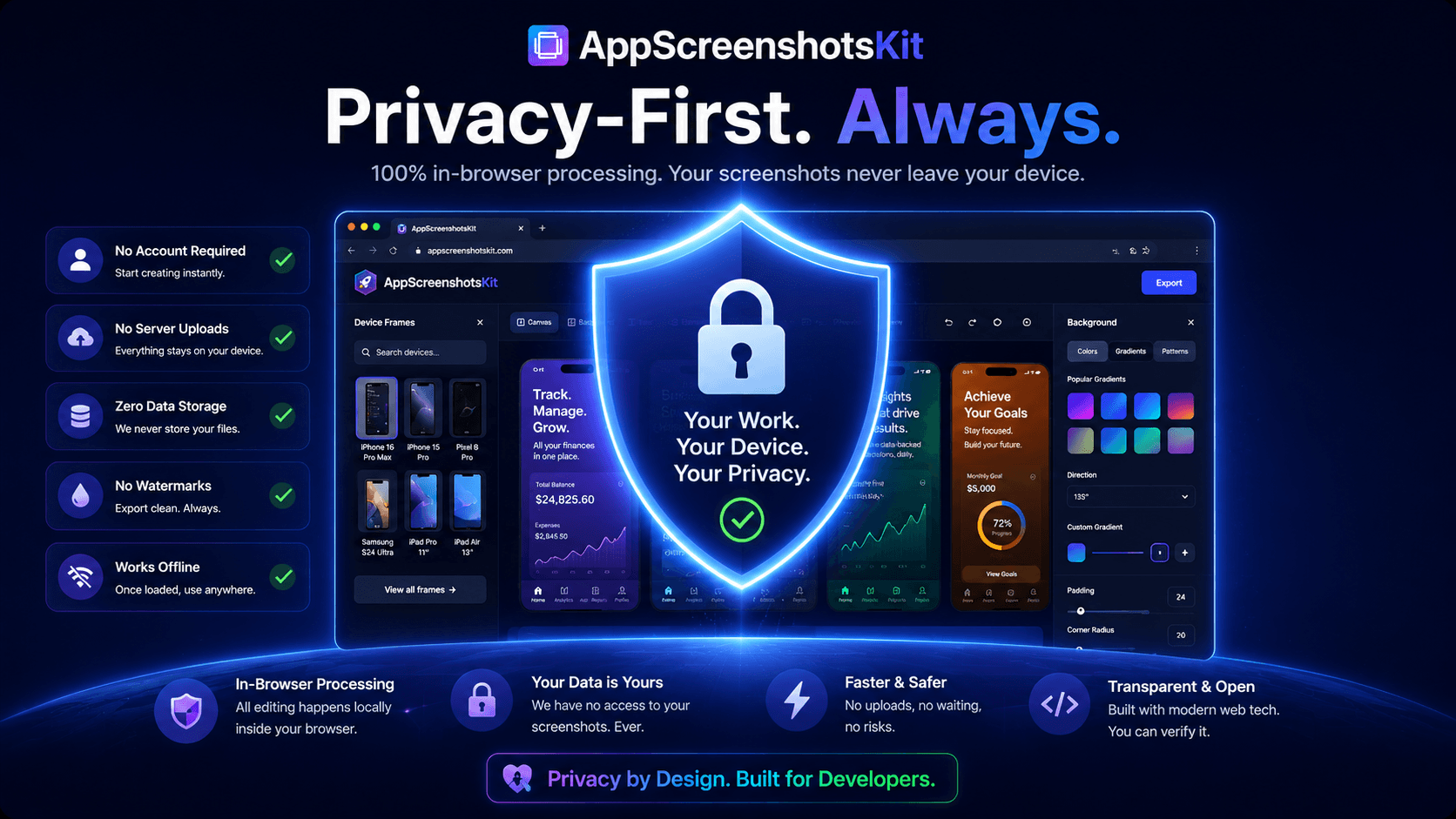
In an era where apps routinely harvest data, track behavior, and store your files on remote servers indefinitely, AppScreenshotsKit takes the opposite approach: everything happens locally, in your browser, with zero data ever sent to a server.
This isn't just a privacy feature - it's a fundamental architectural decision that makes AppScreenshotsKit faster, more secure, and completely free to use without an account.
What 'Browser-Based Processing' Actually Means
When you upload your app screenshots to AppScreenshotsKit, those images are loaded directly into your browser's memory using the Web File API. The canvas rendering, device frame compositing, text overlay application, and final export all happen using your device's CPU and GPU - not a remote server.
Your screenshots never leave your device. They are never transmitted over the internet. They are never stored on AppScreenshotsKit's servers. Because there are no servers processing your data.
Zero Data Transmission
AppScreenshotsKit uses 100% client-side processing. Your app screenshots, your design choices, and your exported files all remain exclusively on your device. We have no technical ability to access them.
Why This Matters for Indie Developers
- Your unreleased app designs stay completely confidential - no NDA risk
- No risk of screenshot leaks before your app launch
- No GDPR or data protection concerns for EU-based developers
- No need to create an account or share an email address
- No risk of your screenshots being used for AI training data
- Faster processing - no network latency or server queue times
Comparison: Client-Side vs. Server-Side Screenshot Tools
Privacy Comparison
| Feature | AppScreenshotsKit | Paid Tools |
|---|---|---|
| Data leaves your device | Never ✓ | Always ✗ |
| Account required | No ✓ | Yes ✗ |
| Screenshot storage risk | Zero ✓ | Possible ✗ |
| Works offline | Yes ✓ | No ✗ |
| Processing speed | Instant ✓ | Server queue ✗ |
| GDPR risk | None ✓ | Possible ✗ |
No Account Required - Ever
Creating an account means sharing your email, accepting terms of service, and trusting a company with your credentials. AppScreenshotsKit requires none of that. Open the website, start designing, export your screenshots. That's it.
There's no free trial, no freemium limitation, no 'sign up to save your work' gate. Every feature is available immediately to every visitor.
Conclusion
Privacy-first isn't a marketing tagline for AppScreenshotsKit - it's the technical reality of how the tool is built. By processing everything client-side and requiring no account, it delivers both maximum privacy and maximum convenience.
Your app's designs are yours. AppScreenshotsKit is built to keep it that way.
Try the privacy-first screenshot generator - no account needed - AppScreenshotsKit.com
Open Editor Free