Introduction
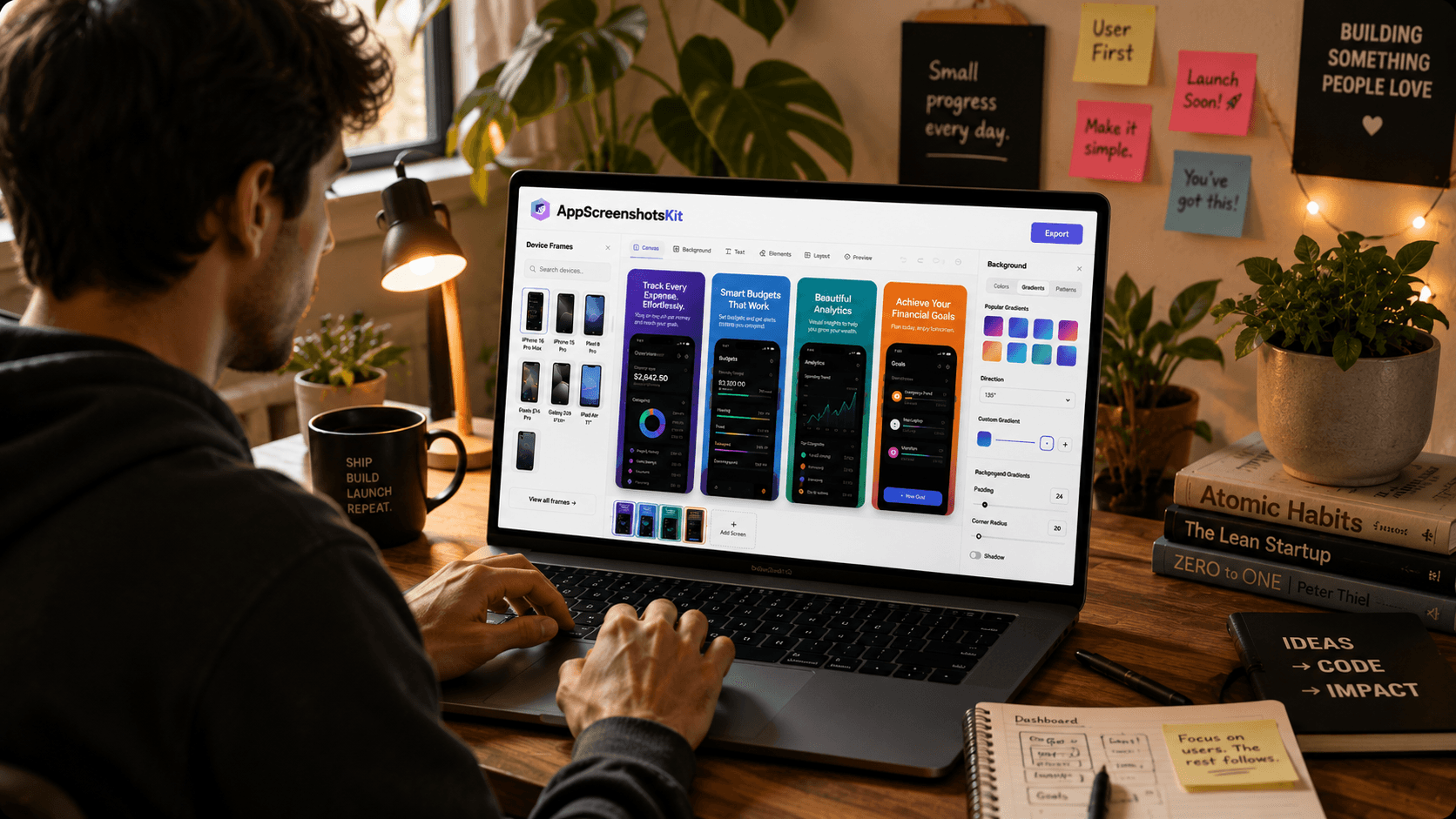
Meet the modern indie developer: one person, one laptop, and a vision for an app that could genuinely help thousands of people. The code is written, the backend is deployed, the pricing is set. There's just one thing left before launch: the App Store listing.
This is where many great apps stumble. Not because the product is bad - but because the screenshots don't do justice to what's inside. AppScreenshotsKit was built precisely for this moment.
The Indie Developer's Screenshot Dilemma
Indie developers face a very specific challenge: they have the product skills to build something great, but rarely the design budget to hire a visual designer for their App Store assets. Professional screenshot design services charge $200–$800 per app. Figma templates require design proficiency. Most paid SaaS tools lock their best features behind monthly subscriptions.
AppScreenshotsKit eliminates all three barriers simultaneously.
What a Typical AppScreenshotsKit Session Looks Like
- Open AppScreenshotsKit.com - no login, no setup, just the editor
- Drag in 5 raw screenshots exported from Xcode Simulator
- Choose iPhone 16 Pro Max frame in Natural Titanium
- Apply a navy-to-indigo gradient background
- Type a benefit-focused headline for each screenshot in Inter font
- Preview all 5 in a multi-device panoramic layout
- Export - all sizes generated in one click, downloaded as a ZIP
- Upload to App Store Connect - done in under 15 minutes
Real Developer Testimonial Format
While AppScreenshotsKit is new, the workflow it enables mirrors what successful indie developers describe as their ideal process: minimal friction, maximum creative control, no subscription to justify.
The Indie Developer Advantage
When you move fast, every minute saved on non-code tasks compounds. AppScreenshotsKit gives back the hours that would otherwise go to fighting Figma templates or waiting for a freelancer - hours that go back into building.
Device Frames That Matter for iOS Indie Devs
- iPhone 16 Pro Max - the hero device for 6.7" screenshots (required)
- iPhone 15 Pro - Natural Titanium for premium feel
- iPad Pro M4 - if your app supports iPadOS
- Clay frames - for minimal, design-forward aesthetics
- Multiple colorways - test which frame color converts best
Designing for the App Store Algorithm, Not Just Humans
Apple's editorial team and algorithmic featuring both correlate with app quality signals - and screenshots are one of the most visible quality signals. A cohesive, professional screenshot set signals investment, which correlates with lower crash rates, better reviews, and longer retention in Apple's data.
Pro Tip
Use consistent typography across all screenshots. Pick one Google Font, one font size for headlines, one font size for subtext - and don't deviate. Consistency reads as quality.
Conclusion
The laptop is already on the desk. The app is already built. AppScreenshotsKit is already free to use. The only thing standing between your app and professional App Store visuals is 15 minutes and a browser tab.
Close the Figma tab. Open AppScreenshotsKit. Launch with the screenshots your app deserves.
Every indie dev deserves great screenshots - get yours free at AppScreenshotsKit.com
Open Editor Free