Introduction
App launches are singular moments. You've spent months - sometimes years - building something. The world gets one chance to make a first impression of your app, and you get one chance to make a first impression on the world. Screenshots are a massive part of that moment.
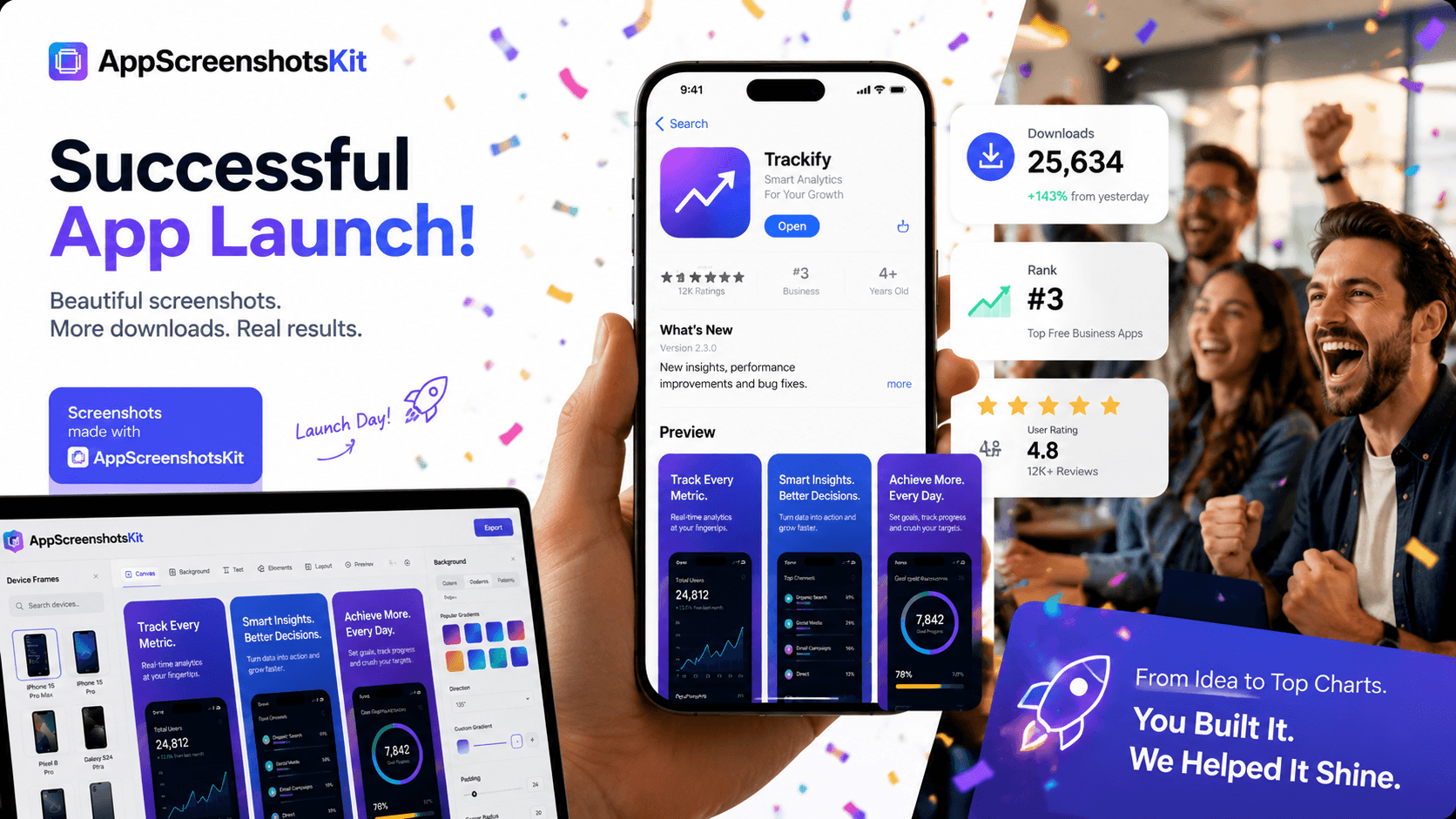
Apps that launch with professional screenshots consistently outperform those that don't - in downloads, in featured consideration, and in long-term organic growth. AppScreenshotsKit makes professional launch visuals accessible to everyone.
The Pre-Launch Screenshot Checklist
- Screenshot 1: Hero value proposition - 'What does this app do for me?' answered in one image
- Screenshot 2: Core feature showcase - your most-used or most-loved feature
- Screenshot 3: Social proof or trust signal - ratings, user count, press mention
- Screenshot 4: Secondary feature that differentiates from competitors
- Screenshot 5: Lifestyle or emotional outcome - show the result, not the UI
- Screenshot 6–8 (optional): Additional features, onboarding flow, platform availability
Timing: When to Finalize Your Screenshots
- Create first draft of screenshots when app is 80% feature-complete
- Refine after beta testing reveals which features users love most
- Final polish 1 week before submission to App Store review
- Submit updated screenshots with each major version update
- Run A/B tests in the first 30 days post-launch using App Store Connect
Launch Day Visual Assets: Beyond Screenshots
AppScreenshotsKit helps you create more than just App Store screenshots. Use the same workflow to produce:
- Product Hunt thumbnail (240×240 px featured image)
- Twitter/X launch announcement card (1200×675 px)
- LinkedIn product launch post image
- IndieHackers milestone post visual
- Press kit hero image for media outreach
- App icon with device frame for blog headers
Post-Launch: Using Screenshots as Ongoing Growth Levers
The best-performing apps treat their App Store listing as a living asset - updating screenshots seasonally, after major updates, or when A/B test data reveals an opportunity.
Pro Tip
Schedule a quarterly screenshot audit. Export fresh variants in AppScreenshotsKit, update one screenshot at a time, and monitor CVR changes in App Store Connect. Incremental improvements compound into significant download growth over 12 months.
What Makes a Launch Screenshot Set 'Professional'?
- Consistent visual language - same fonts, same color palette across all screenshots
- Benefit-led headlines - 'Track Every Expense' not 'Dashboard View'
- Correct device frames - iPhone 16 Pro Max for 6.7" requirement
- No empty states - show the app populated with realistic data
- Readable at thumbnail size - test at 25% scale before finalizing
- No watermarks - ever
Conclusion
Your launch moment is irreplaceable. The first impression your app makes on the App Store sets the trajectory for organic growth, editorial consideration, and word-of-mouth spread. Professional screenshots aren't a luxury reserved for well-funded teams - with AppScreenshotsKit, they're a 15-minute task available to every developer.
Launch with confidence. Launch with AppScreenshotsKit.
Make your app launch unforgettable - create professional screenshots free at AppScreenshotsKit.com
Open Editor Free