Introduction
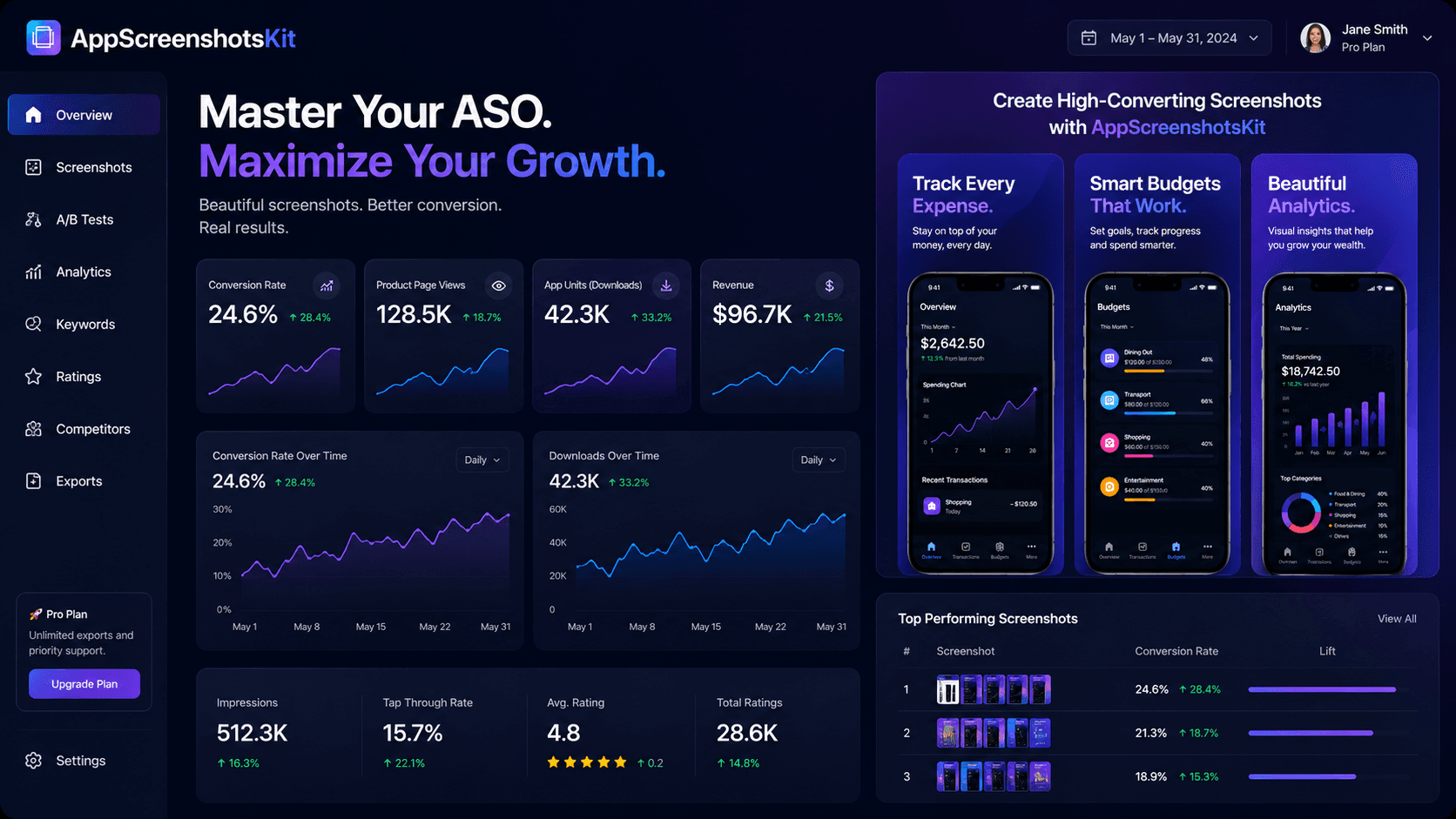
App Store Optimization (ASO) is the practice of improving every element of your App Store listing to maximize organic visibility and conversion. Screenshots sit at the absolute center of ASO strategy - they're the highest-impact, lowest-cost lever available to any developer.
AppScreenshotsKit is purpose-built for ASO-focused screenshot creation - giving developers the speed and flexibility to iterate on visuals at the pace that data-driven optimization requires.
The ASO Funnel: Where Screenshots Fit
- Impressions: Users see your app in search or browse - title and icon drive this
- Product Page Views: Users tap to view your listing - icon and first screenshot drive this
- Conversion (Install): Users tap Get - screenshots 1–3 drive this most heavily
- Retention (Day 1, Day 7, Day 30): The app experience drives this - screenshots set expectations
Screenshot-Specific ASO Best Practices
- Screenshot 1 must communicate the core value prop without reading the title
- Use captions/headlines on every screenshot - text comprehension is 6x faster than UI interpretation
- Show populated, realistic UI - empty states destroy conversion
- Match your screenshot palette to your app icon - visual consistency signals polish
- Update screenshots with every major version - fresh content correlates with better ranking
- Localize screenshots for key markets - translated captions significantly improve non-English market CVR
- Test portrait AND landscape first screenshots for tablet listings separately
A/B Testing Screenshots with App Store Connect
Apple's product page optimization tool lets you test up to 3 screenshot variants per listing. Combine this with AppScreenshotsKit's rapid creation workflow for a powerful iteration cycle:
- Identify your current CVR baseline in App Store Connect
- Hypothesize one change - headline copy, background color, or device frame
- Create the variant in AppScreenshotsKit - 5 minutes
- Upload to App Store Connect product page test
- Run for minimum 7 days (14 recommended)
- Adopt winner, generate next hypothesis
- Repeat monthly - compound CVR improvements over time
Keyword Correlation with Screenshots
While screenshots don't directly affect keyword indexing, they strongly influence conversion rate - and conversion rate is one of Apple's algorithm signals for keyword ranking. Higher CVR → higher organic rank → more impressions → more downloads → higher rank.
This makes screenshot optimization a critical part of a broader ASO strategy, not just a visual concern.
The ASO Compounding Effect
A 10% improvement in CVR from better screenshots → more downloads → higher keyword ranking → 15% more impressions → 15% more downloads at 10% better CVR → 16.5% net downloads increase. Small screenshot improvements compound significantly over time.
Tools Stack for ASO-Focused Developers
- AppScreenshotsKit (free): Screenshot creation and variant generation
- App Store Connect (free): A/B test runner and analytics
- AppFollow or MobileAction (paid): Keyword rank tracking
- Sensor Tower (paid): Competitor screenshot analysis
- App Store Connect API (free): Download and review data programmatic access
Conclusion
ASO is a long game - but screenshots are the fastest wins available within it. Every iteration you run through AppScreenshotsKit is a potential CVR improvement, a potential ranking signal, and a potential download that didn't happen before.
Start optimizing. AppScreenshotsKit makes it free and fast to iterate.
Master ASO with better screenshots - start free at AppScreenshotsKit.com
Open Editor Free