Introduction
In the modern web, 'free' usually means you're paying with data. Free tools upload your files to servers, analyze your usage patterns, store your work indefinitely, and monetize the aggregate data. It's a rational business model - but it's one that creates real privacy risks for developers working on unreleased apps.
AppScreenshotsKit breaks this model entirely. The 'payment' is nothing. The privacy is real. And the technology that makes it possible is genuinely interesting.
The Technical Architecture of Privacy
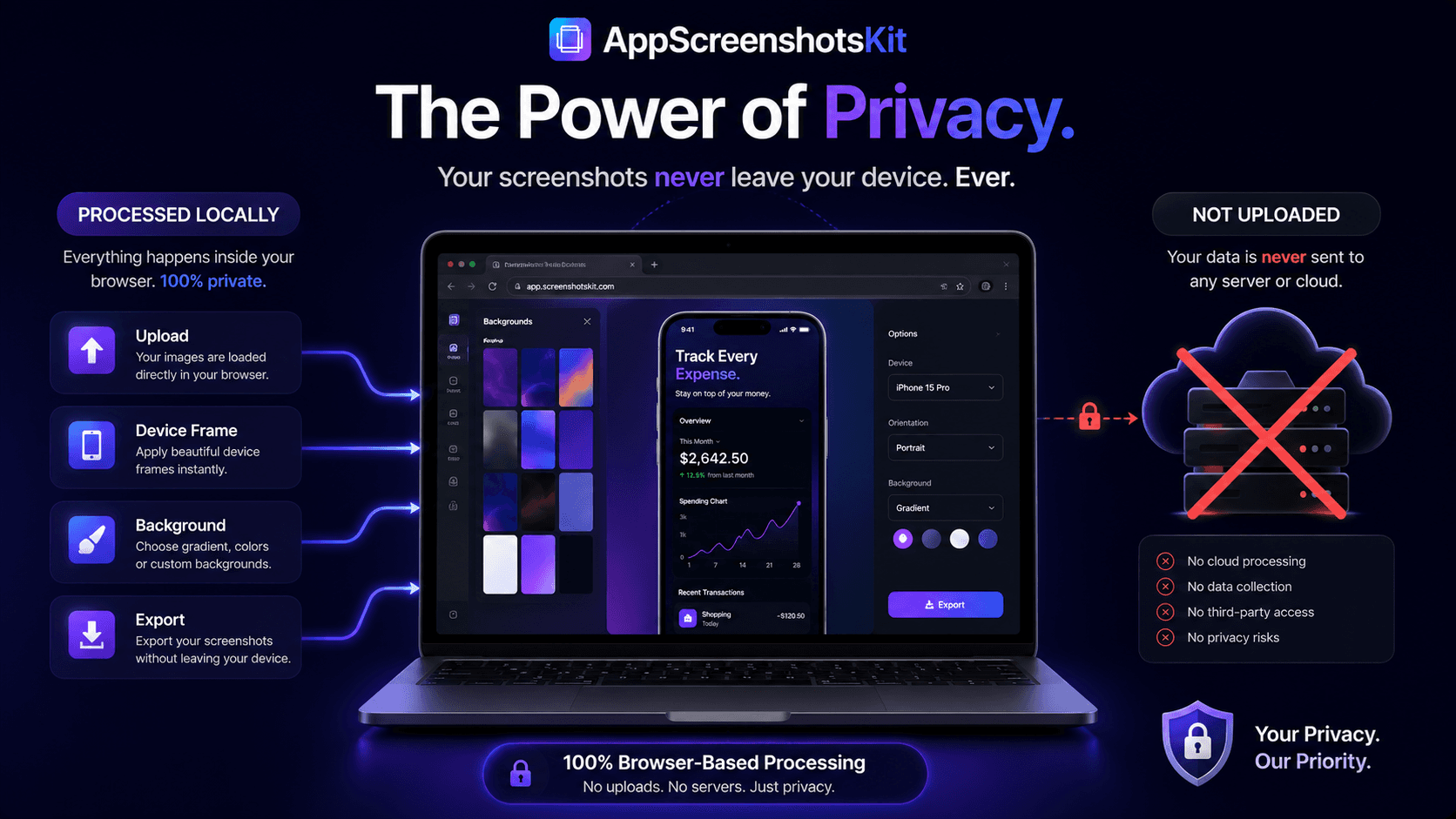
AppScreenshotsKit is a static web application - meaning it's delivered as HTML, CSS, and JavaScript files that run entirely within the browser environment. There is no backend server that processes your uploads, no database that stores your designs, and no API endpoint that your screenshots traverse.
- Static file delivery from CDN - no dynamic server involved in processing
- FileReader API - browser reads your local file directly into memory
- Canvas API - compositing happens in browser's rendering engine
- Web Workers - background processing stays on your device
- File System Access API - exports write directly to your local filesystem
Why Unreleased App Screenshots Are Especially Sensitive
For most developers, the screenshots being created in AppScreenshotsKit show UI that hasn't been publicly released yet. These images represent:
- Unreleased feature designs - competitive intelligence value
- Unrevealed UI patterns - potentially patentable in some jurisdictions
- Confidential product roadmap - visible through UI progression
- Brand assets before announcement - PR sensitivity
- NDA-protected work - if building for a client or employer
- Potential security vulnerabilities - backend UI can reveal API structure
GDPR and Data Protection Compliance
For developers based in or targeting the EU, data protection law (GDPR) creates obligations around any tool that processes personal data. Since App Store screenshots often show real user interface states - which may include personal data in some app categories - the tool processing them has legal implications.
AppScreenshotsKit processes nothing. There is no data transfer to any server, no data retention, and therefore no GDPR compliance obligation created by using it.
Pro Tip
If your app operates in healthcare, finance, or any regulated industry, using AppScreenshotsKit for screenshot creation eliminates one potential data compliance risk in your development toolchain.
Comparing Privacy Models Across Screenshot Tools
Feature
| AppScreenshotsKit | Paid Tools | Screenshot uploaded to server |
|---|---|---|
| Never ✓ | Always ✗ | Data retained after export |
| No ✓ | Often yes ✗ | AI training on your data |
| Impossible ✓ | Possible ✗ | Third-party data sharing |
| None ✓ | Possible ✗ | Works without internet |
| Yes ✓ | No ✗ | Audit-able data flow |
| Yes (DevTools) ✓ | No ✗ | Verifying Privacy Claims Yourself |
- Open AppScreenshotsKit.com in Chrome
- Press F12 to open DevTools, click the Network tab
- Upload any screenshot and watch the Network tab
- Observe: zero requests containing image data are made
- The privacy claim is verifiable, not just stated
Conclusion
Privacy-first isn't a marketing position for AppScreenshotsKit - it's the architectural consequence of how the tool is built. Client-side processing is more private, faster, and more reliable than server-side alternatives. It also happens to be completely free.
Your app's screenshots are yours. AppScreenshotsKit is built to keep them that way.
Verify our privacy promise yourself - open AppScreenshotsKit.com and check DevTools