Introduction
Google Play hosts over 3.5 million apps. The majority of discovery happens through search - and just like the App Store, the first visual impression determines whether a user taps through or scrolls past.
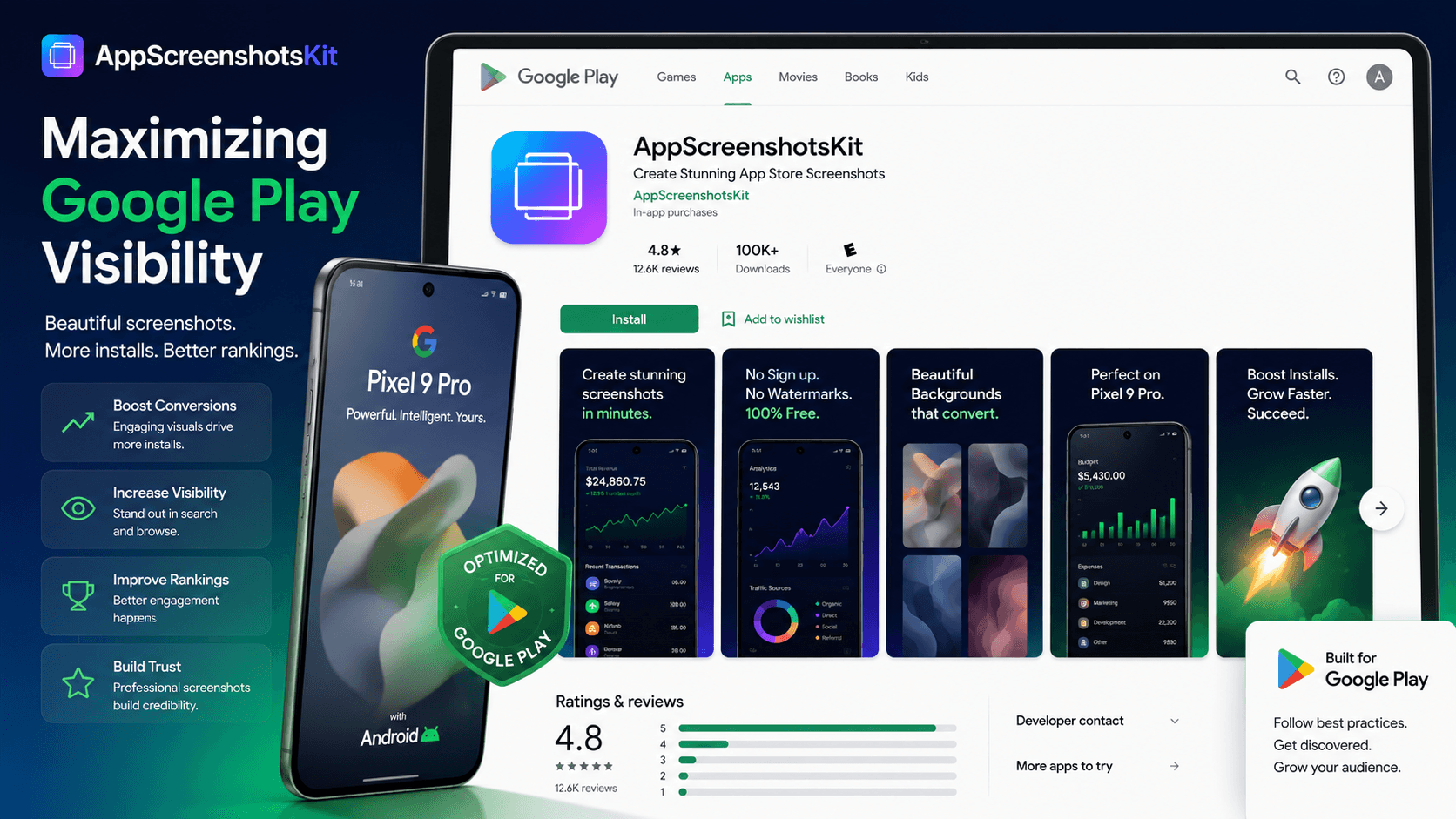
AppScreenshotsKit's Google Play-specific features give Android developers the same visual production capability that has historically required paid tools or design expertise.
Google Play Visual Assets: The Complete List
- Phone screenshots: up to 8, minimum 2 required (1080×1920 px)
- Tablet screenshots: separate upload for 7" and 10" tablets
- Feature graphic: 1024×500 px - displayed above video in listing
- App icon: 512×512 px (separate from screenshots but critical)
- Promo video thumbnail: if you include a YouTube promo video
The Feature Graphic: Your Most Underused Asset
The Google Play feature graphic appears prominently when your listing is featured editorially or when users browse by category. Many developers either skip it (showing a blank space) or use their app icon (missing the opportunity entirely).
AppScreenshotsKit generates feature graphics at the correct 1024×500 px dimension - with your device mockup, headline text, and gradient background already applied. It's one click to export.
Feature Graphic Formula That Works
App name (bold, left-aligned) + one-line value proposition (subtext) + single device mockup (right-aligned, showing hero screen) + brand gradient background = a feature graphic that works in any context.
Google Play Store Listing Optimization Checklist
- Screenshot 1: Must communicate core value without reading the title
- Use captions/headlines on every screenshot - Google Play users skim even faster than App Store users
- Include at least one screenshot showing the app populated with data (not empty states)
- For tablet listings: upload separate tablet screenshots (different aspect ratio required)
- Feature graphic must be compelling as a standalone image - no text too small to read at 200px width
- Match screenshot backgrounds to your app icon's primary color for visual brand cohesion
Android-Specific Device Frame Strategy
- Pixel 9 Pro: Best for showcasing material design - the 'pure Android' reference device
- Samsung Galaxy S24: Best for reaching the broadest Android audience (largest market share)
- Clay Android frame: Best for design-forward apps where device branding could distract
- Dual Android + iPhone frame: Best for cross-platform apps to show both simultaneously
- Tablet frame: Required if your app has a dedicated tablet layout
Google Play Algorithm Signals That Screenshots Influence
Google Play's algorithm considers multiple signals when ranking apps in search. While screenshots don't directly appear in search metadata, they influence:
- Install conversion rate - higher CVR improves search ranking
- User rating trajectory - better screenshots set accurate expectations, leading to better reviews
- Retention metrics - screenshots that honestly represent the app reduce uninstall rates
- Featured consideration - Google's editorial team reviews visual quality for curation
AppScreenshotsKit Export Settings for Google Play
- Platform: Select 'Google Play' in the export dropdown
- Phone screenshots: 1080×1920 px (9:16), PNG format
- Tablet screenshots: 1200×1920 px (portrait) or 1920×1200 px (landscape)
- Feature graphic: 1024×500 px (16:5), JPEG or PNG, max 8MB
- All exports: minimum 1 million pixels total area
Conclusion
Google Play success requires the same professional visual standard as App Store success - and AppScreenshotsKit delivers it for free. Phone screenshots, tablet screenshots, feature graphics - all generated in the correct dimensions, zero watermarks, zero cost.
Android users deserve apps that look as good as they perform. AppScreenshotsKit makes that possible for every developer.
Maximize your Google Play listing - create assets free at AppScreenshotsKit.com
Open Editor Free